
NexoPOS On InstaPods
InstaPods is a streamlined application hosting platform that takes web projects from your local machine to a live server in under 10 seconds. It is built for developers and AI coding assistants
As one of the most recommended hosting solutions for NexoPOS, it comes with everything you need to start running NexoPOS quickly.
- Real VPS for isolated and performant instance
- Database Management
- SSH Access
- CLI, GIT & MCP
This guide will get you started using InstaPods.
Account Creation
The first step is to have your account on InstaPods. While we're partnering with InstaPods, account resources aren't shared, so you'll need to head to InstaPods to create your account. With the use of Social Login, you can have your account set up quickly.
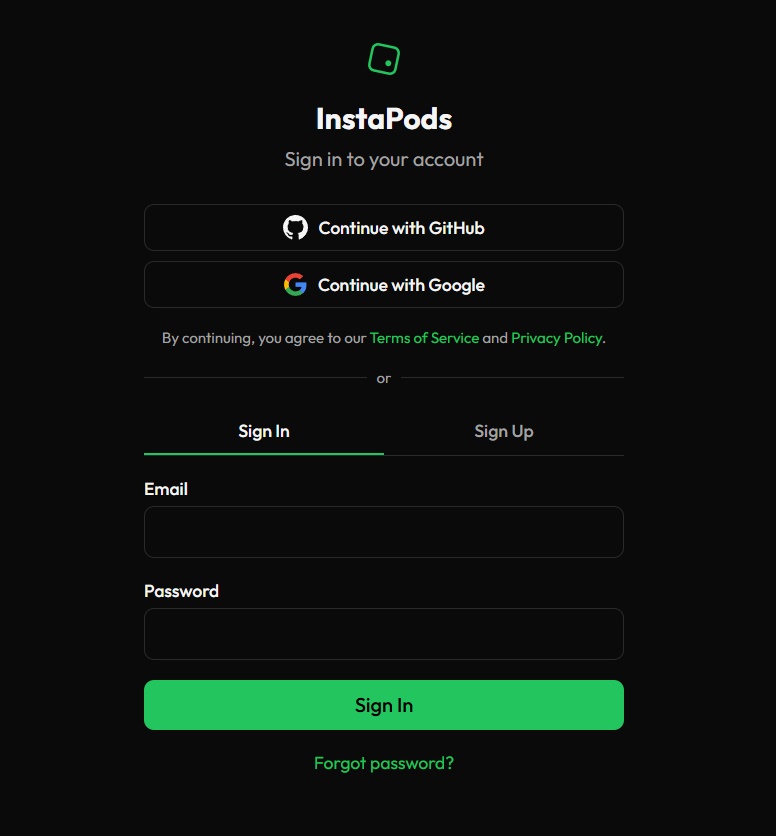
App Selection & Deployment
Once your account is created, you'll land on the page where you can select NexoPOS and get started.
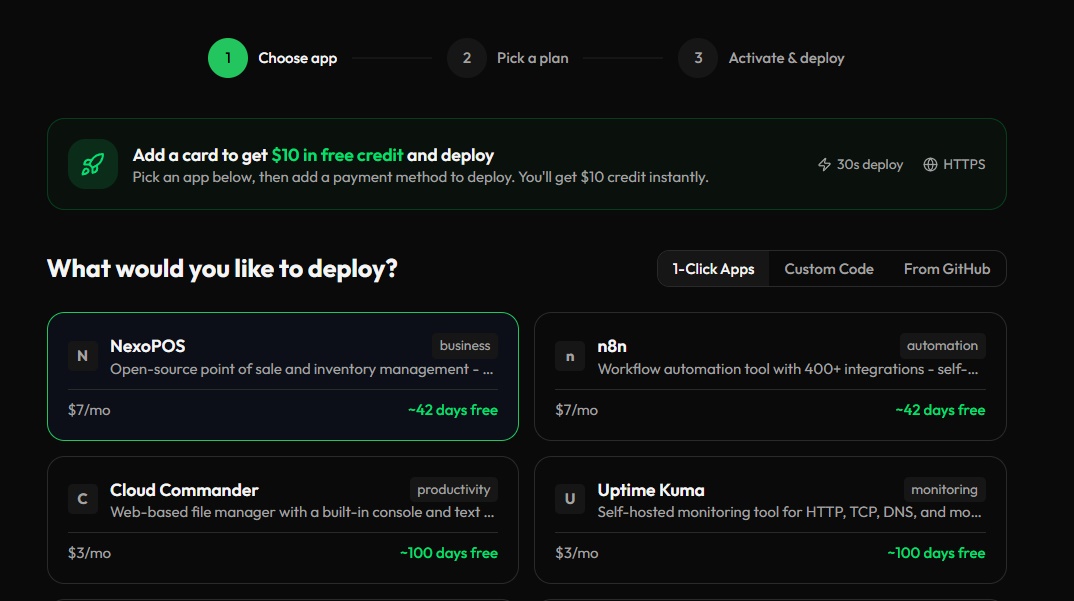
By clicking on the continue button at the bottom, you'll be asked to choose your region and your plan.
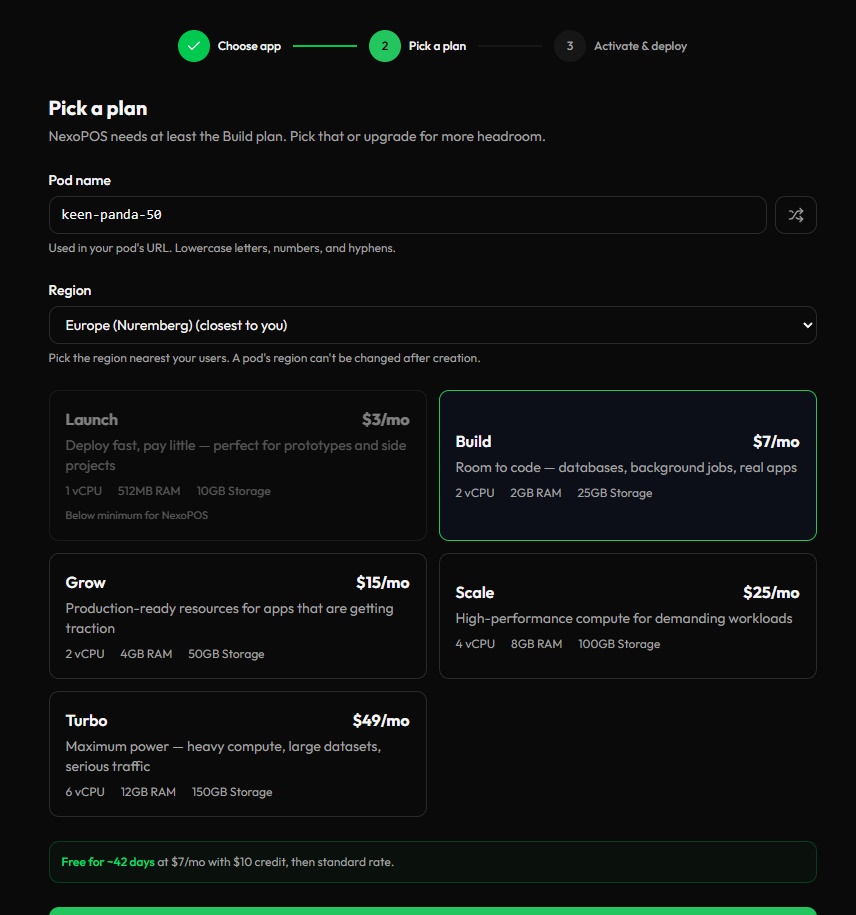
Note that the minimum for running NexoPOS will be the "Build" plan that comes with 2 vCPU and 2 GB of RAM. You can now proceed to "Continue to payment".
The next page shows a payment input. But you should note that you're not charged when you link your card, and moreover, you're gifted a $10 credit to start using NexoPOS for 42 days at no cost.
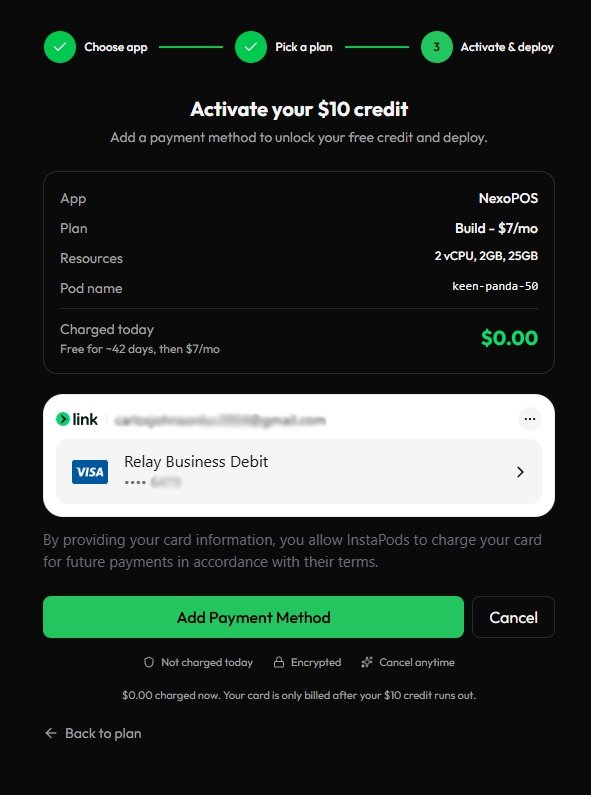
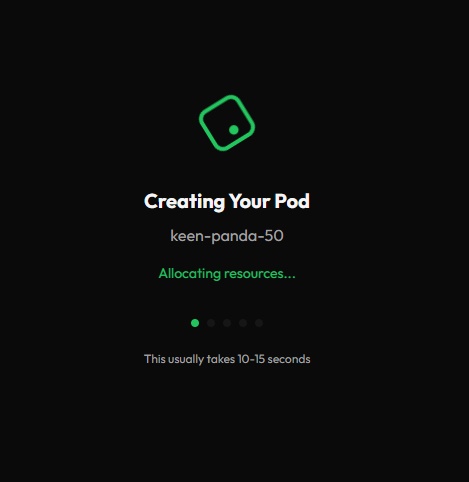
After that, your NexoPOS instance is created. It will only take up to 15 seconds to be ready.
Instance Management
When NexoPOS is installed, you land on a dashboard management page. This usually looks like this:
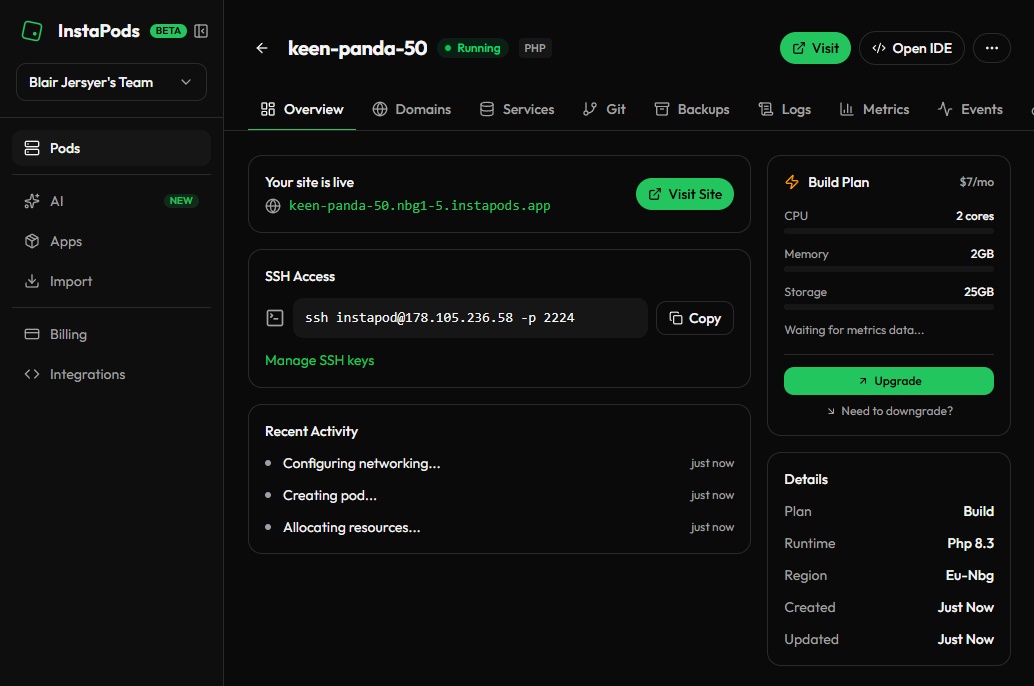
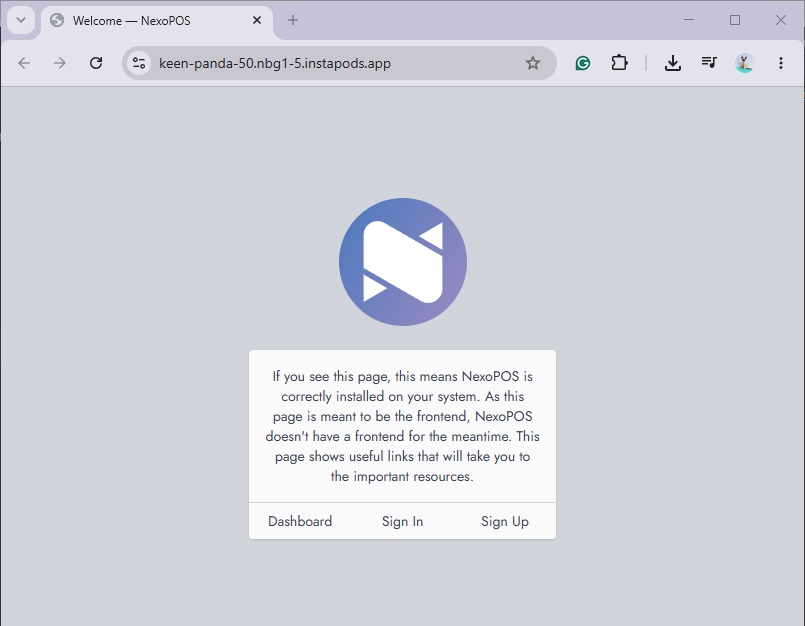
By default, you'll be gifted a free domain you can use to access your app. In our example, the URL is: keen-panda-50.nbg1-5.instapods.app. By clicking on it, we can access the welcome page of NexoPOS.
Admin Credentials
When your NexoPOS instance is created, you'll have your first main administrator account created. InstaPods will email you the login credentials that will look like this:
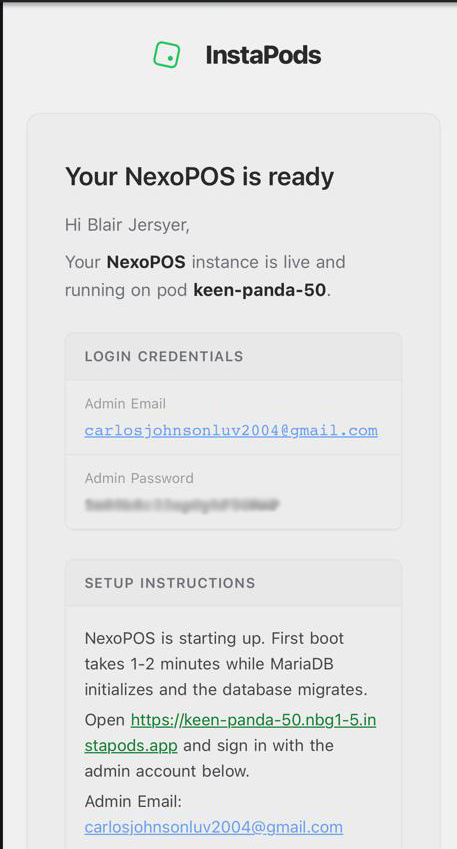
From now on, you can safely log in and start using NexoPOS.
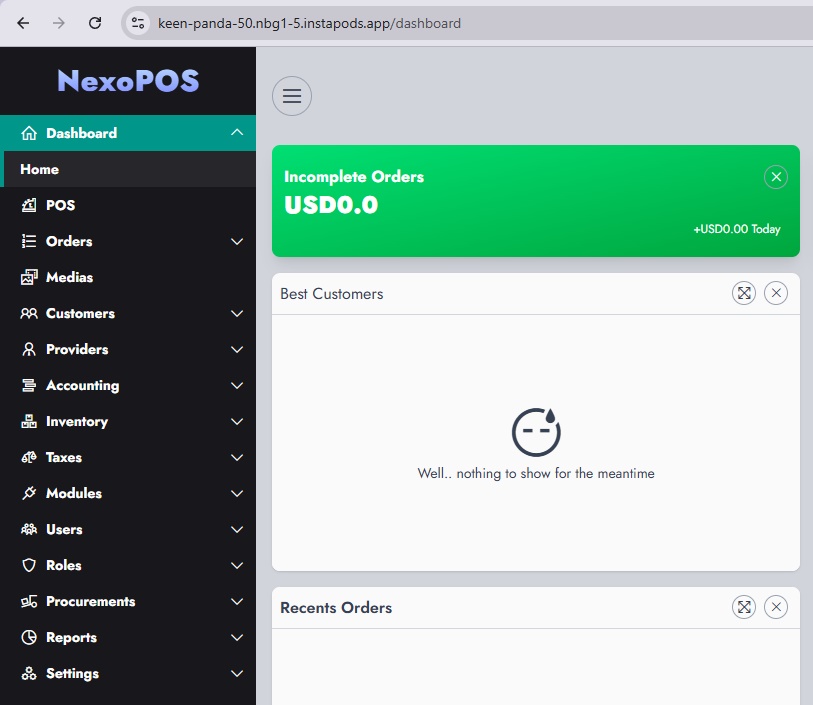
Next Steps
Now that NexoPOS is ready, you can proceed now proceed by installing a module that will make NexoPOS fit your business needs. You can do so by exploring our marketplace.
One of our best recommendations are: