
Installation Management
How customers pick a plan, deploy an installation, manage teams, and operate each site from the installation console.
Primary UI:
- Pricing — public marketing plans
- Dashboard → Installations — list
- Installation detail — tabbed management (/dashboard/installations/{id}?tab=…)
Plan selection & checkout
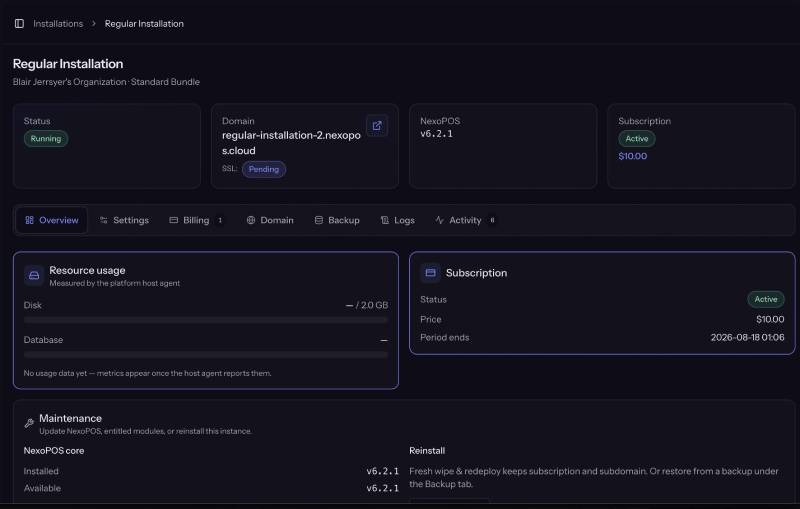
- Browse Pricing (published bundles + marketing features).
- Start checkout for a bundle (and optional add-ons / coupon if offered).
- Pay via the active platform gateway (Stripe Checkout, Paddle, Mollie, …) or enter trial when the bundle has trial_days.
- On success, the installation moves from pending payment → provisioning → running (Horizon workers + host agent).
Screenshot placeholder: Pricing pageScreenshot placeholder: Checkout review (bundle + add-ons)Screenshot placeholder: Provider payment pageScreenshot placeholder: Billing success / provisioning progress
If the browser returns before the webhook, the success page may confirm the session with the provider API so payment still completes.
Deploy a new installation
| What happens |
|---|
| Choose organization (personal or team) with free installation seat |
| Select bundle (modules + limits snapshotted onto the install) |
| Complete checkout / trial |
| Agent creates Linux path layout, DB, nginx, NexoPOS files |
| Status running → open primary domain |
Failures surface on the installation Overview and Activity tabs; platform admins also see ops/logs.
Org max_installations blocks additional deploys when full.
Installation management
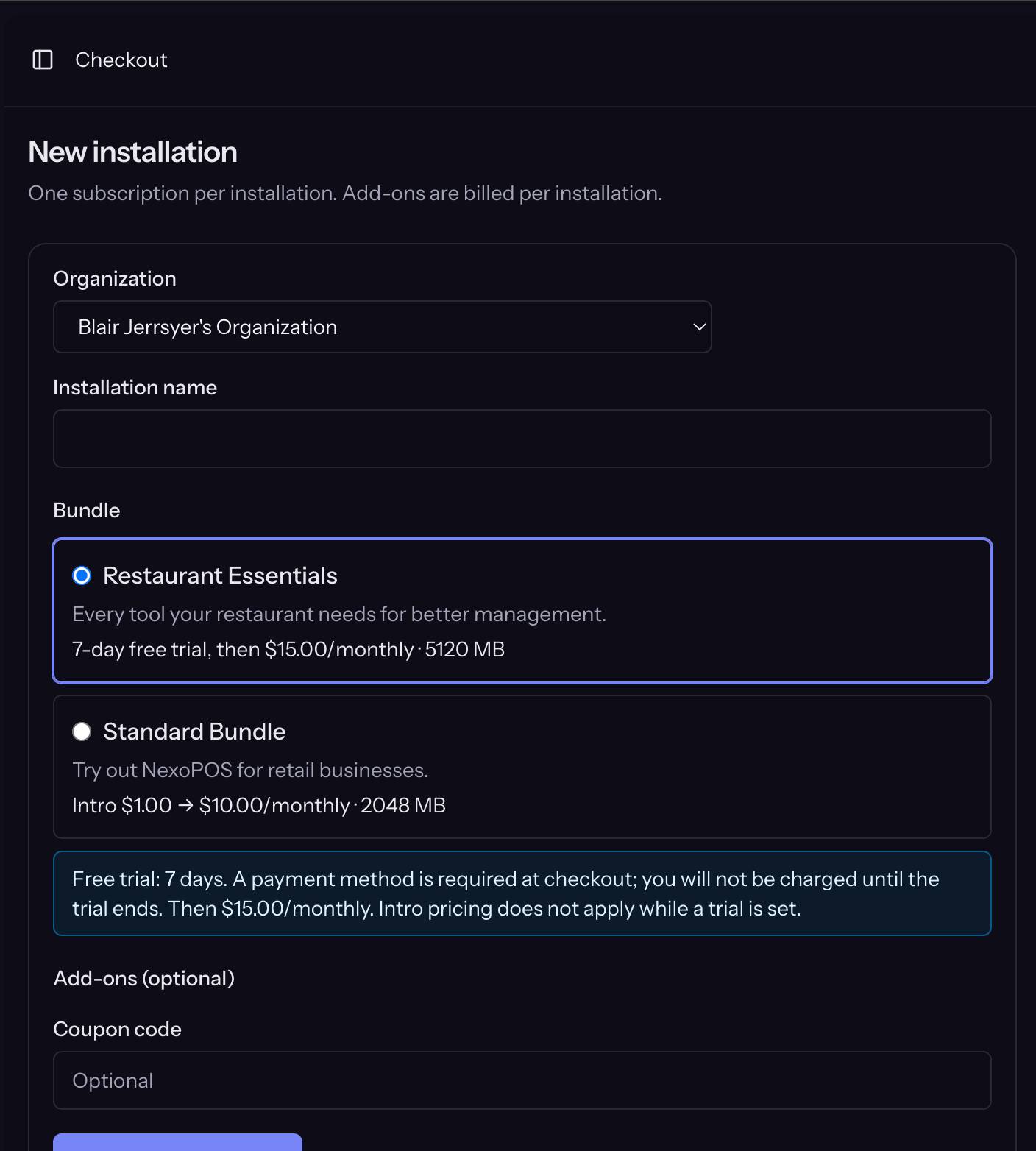
Open an installation to get Horizontal tabs. Billing capability depends on the member’s role (can.billing).
Screenshot placeholder: Installation header with status badge and tab bar
Overview
- Installation status, primary domain, bundle summary.
- Active deployment operations with step progress (provision, update, reinstall).
- Modules entitled by the bundle: install/update when versions are available.
- Core / module updates in one click when the platform reports updates available (queues an update job; watch progress on this tab).
- Reinstall: fresh wipe or restore from a selected backup (same install identity).
Settings (tenant admin password)
- Locale / timezone-style settings for the install where exposed.
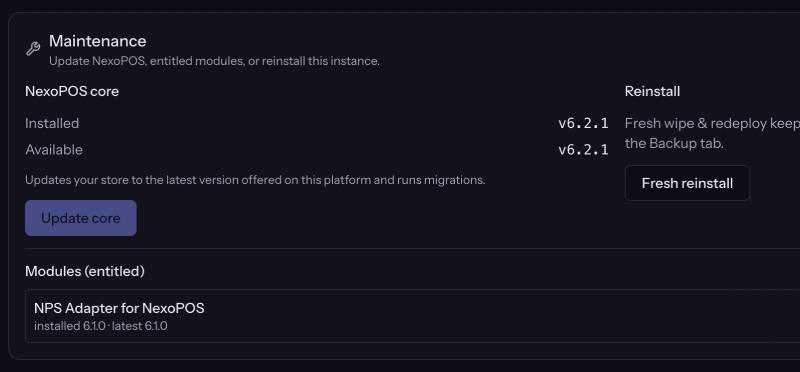
- Reset NexoPOS admin credentials (email/password) via the platform agent.
Important: Password/admin credential reset only works when the application is installed and running. It will not succeed on pending/provisioning/failed states. The new password is typically shown once in the UI (flash) — it is not emailed as a substitute for SMTP.
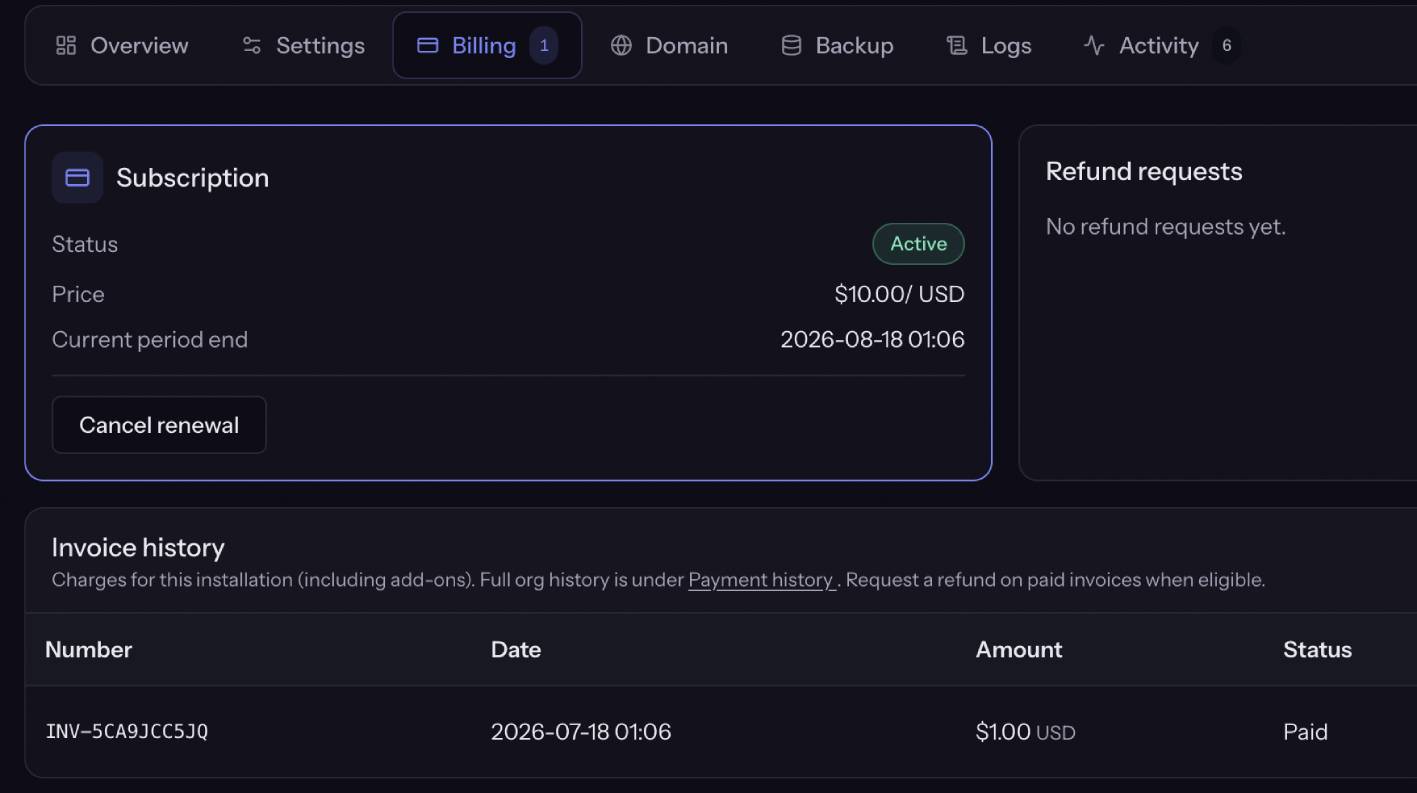
Billing (includes renewal & cancel)
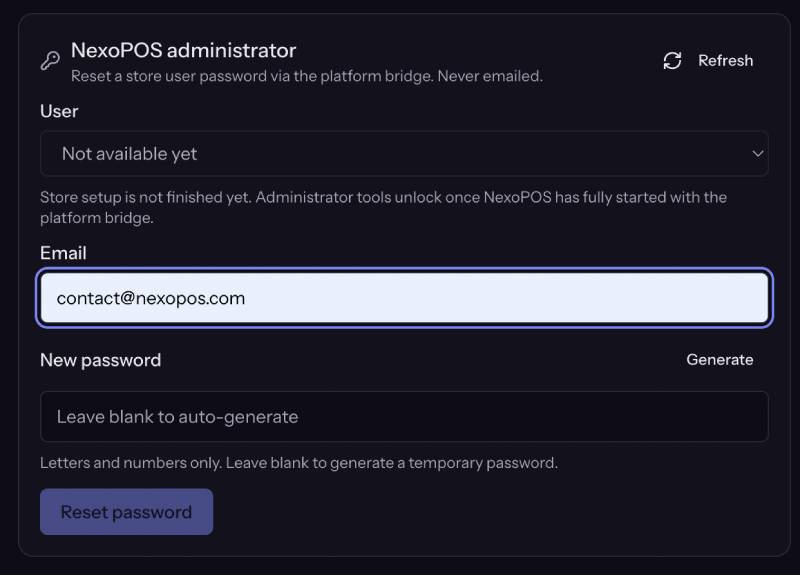
There is no separate “Renewal” tab. Subscription lifecycle lives under Billing:
- Current subscription status, period, trial end.
- Invoices list.
- Renew / resume payment when past due or action required.
- Cancel renewal (access until period end per product rules).
- Refund request history / submit (see
Domain
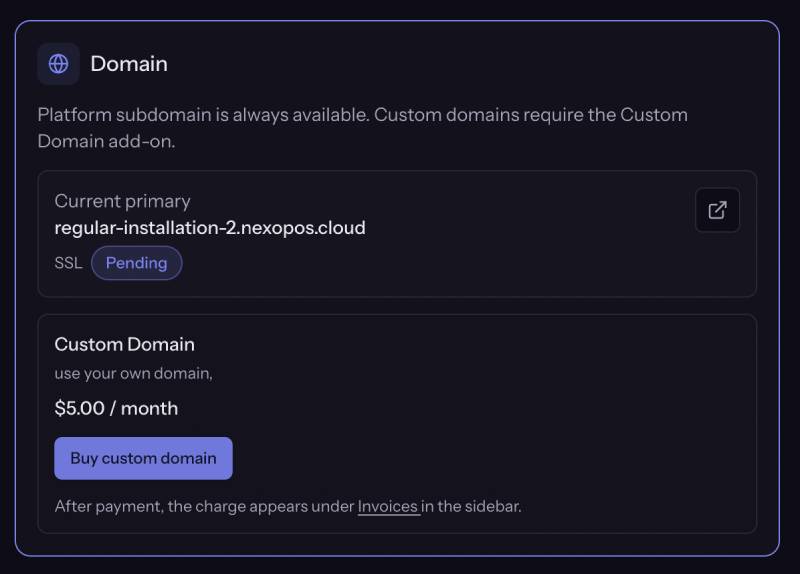
- Shows the free platform subdomain ({slug}.{base_domain}).
- Custom domain when:
- Domain mode is free, or
- Domain mode is addon and the install has an active Custom domain entitlement, or
- Customer can purchase the published Custom domain add-on from this tab.
Flow: enter hostname → create DNS records (A/AAAA to platform public IP, plus verification challenge host as instructed) → Verify (nginx + SSL). Daily verified-change limits may apply.
Backup
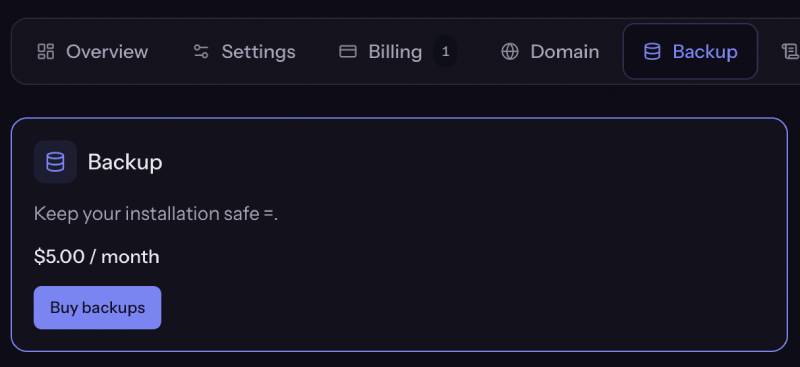
Visible/usable when the install has the Backups add-on (or purchase CTA when a published backups add-on exists).
- Manual full or database-only backup.
- List history: restore, download, delete (within policy).
- Platform automatic backups run on the admin schedule when enabled; customers do not set cron.
- Retention: last N successful backups (Admin → Backups → keep last).
Requires working Admin S3 configuration.
Logs
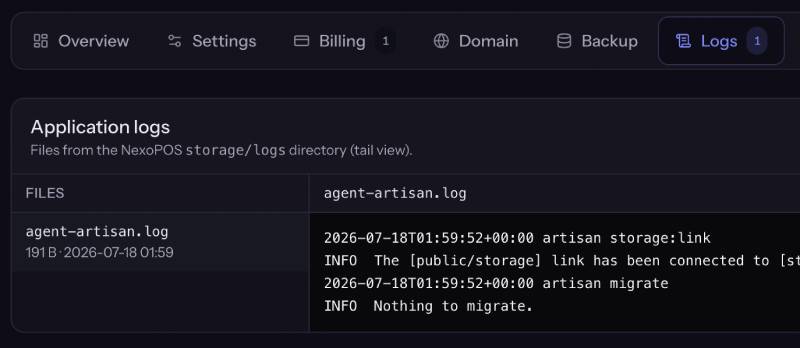
Fetches tenant application log files for troubleshooting (permissions, app errors) without SSH.
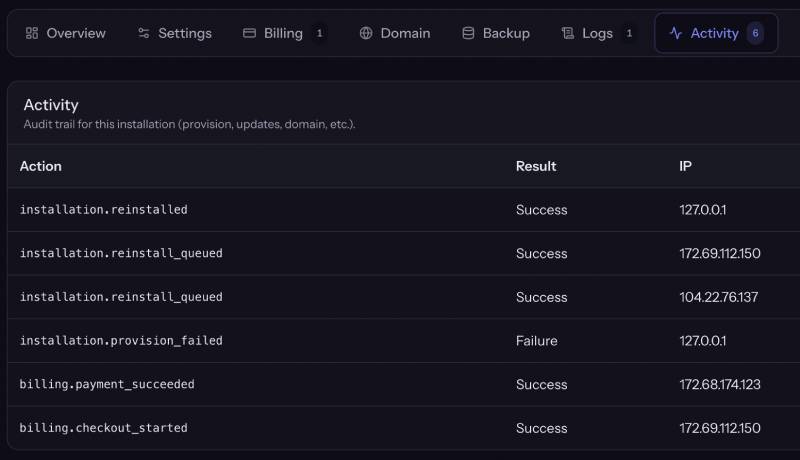
Activity
Audit-style log of operations performed on this installation by organization members (and system actions where recorded): deploys, domain changes, backups, credential resets, billing actions, etc.
Common customer journeys
Payment failed
Email notification (if SMTP) → renewal banner / Billing tab → update payment method → resume. After the grace period, the install may be suspended (offline page per Admin suspension settings).
Cancel vs refund
- Cancel renewal: keep using until period end.
- Refund request: admin approval ends the install quickly and schedules faster hard-delete.
Operator tips
- Horizon must be running or installs stay “provisioning”.
- HOST_AGENT_LOCAL_REAL_CLONE=false uses a fast stub in Docker; set true (or use script on VPS) for real NexoPOS trees.
- Domain/backup tabs empty? Check catalog feature keys and Admin Domain/S3 settings.
- Password reset failing? Confirm status is running.