
Add Header Buttons
On each crud table instance, you can inject header buttons. Those header buttons are Vue3 components that provide custom features to the current CRUD table. You'll use it to perform async requests on the selected entries or more.
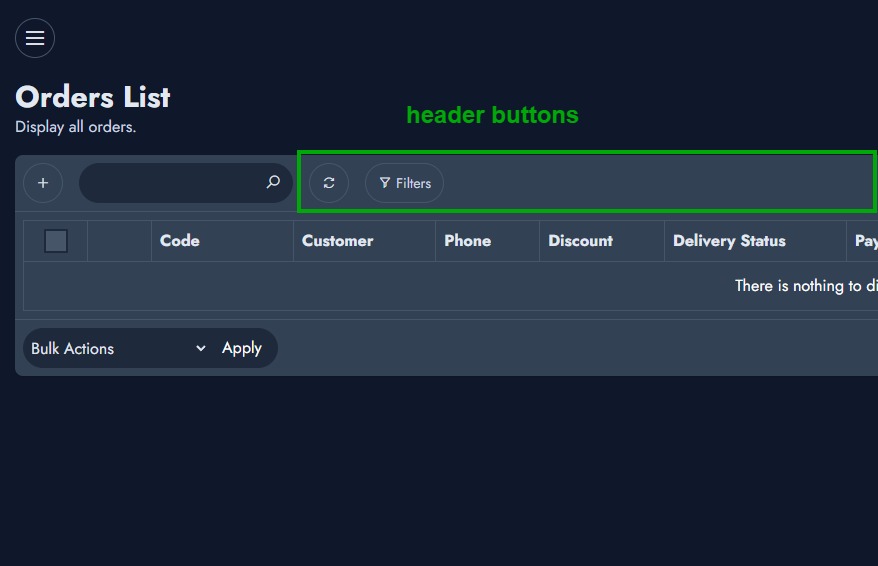
Here is how you'll define your buttons.
<?php
namespace Modules\YourModule\Crud\YourCrud;

use App\Services\CrudService;

class YourCrud extends CrudService
{
    // ...

    public function getHeaderButtons(): array
    {
        return [ 'CustomHeaderButtonComponent' ];
    }

    // ...
}
You need to define a method "getHeaderButtons" on your crud component that will return an array of strings. Those strings are meant to be properties defined on nsExtraComponents, which is a global variable that holds all custom Vue components defined and provided by either NexoPOS or custom modules.
Once injected, the components will be responsible for rendering the button itself and all the logic behind it. Assuming what is defined before, here is how we'll create our button component:
@verbatim
<script type="text/javascript">
    document.addEventListener( 'DOMContentLoaded', () => {
        nsExtraComponents.CustomHeaderButtonComponent   =   defineComponent({
            template  : `<ns-button @click="increment">Custom Button {{ count }}</ns-button>`,
            data() {
            return {
                count: 0
            }
            },
            mounted() {
            console.log( 'the component is mounted' )
            },
            methods: {
                increment(){
                    this.count++;
                }
            }
        });
    });
</script>
@endverbatim
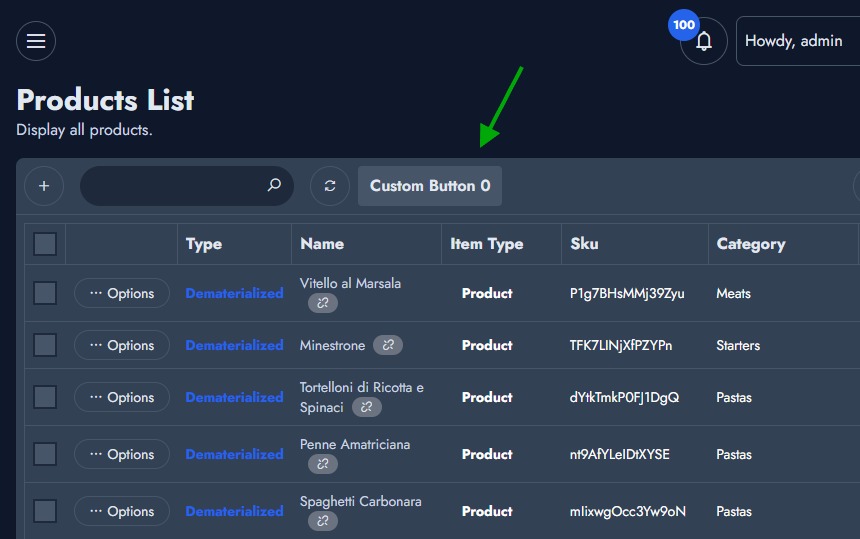
This will produce the following output.
Extends Other Crud Header Buttons
You can also inject a custom header button on other CRUD tables. It might be a crud defined by NexoPOS or by another module. On your module ServiceProvider, you'll first inject your customer module button.
<?php
namespace Modules\YourModule\Providers;

use App\Hook\Service;
use App\Providers\ServiceProvider as CoreServiceProvider;
use App\Crud\ProductCrud;

class ServiceProvider extends CoreServiceProvider
{
    public function register()
    {
        Hook::addFilter( ProductCrud::method( 'getHeaderButtons' ), function( $buttons ) {
            $buttons[]  = 'YourCustomComponentVariableName';
            return $buttons;
        });
    }
}
Then, you'll inject a view at the footer of the crud table like so:
<?php
namespace Modules\YourModule\Providers;

use App\Hook\Service;
use App\Providers\ServiceProvider as CoreServiceProvider;
use App\Crud\ProductCrud;
use App\Classes\Output;

class ServiceProvider extends CoreServiceProvider
{
    public function register()
    {
        Hook::addAction( ProductCrud::method( 'getHeaderButtons' ), function( $buttons ) {
            $buttons[]  = 'YourCustomComponentVariableName';
            return $buttons;
        });

        Hook::addAction( ProductCrud::method( 'getTableFooter' ), fn( Output $output ) => $output->addView( 'YourModule::footer' ) );
    }
}
The inline function used as a callback for the "ProductCrud::method( 'getTableFooter' )" action, will load a view "footer.blade.php" defined at the "Resources" directory within the module "YourModule".