
Stock Adjustment
Stock Adjustment allows modifying the quantity of existing products when the recorded stock does not match the real stock. This feature is essential to keep inventory accurate and reliable.
There are several situations where a stock adjustment may be necessary. For example, products can be damaged, lost, or incorrectly counted during procurement. In such cases, adjusting the stock ensures the system reflects the actual quantity available.
Accessing Stock Adjustment
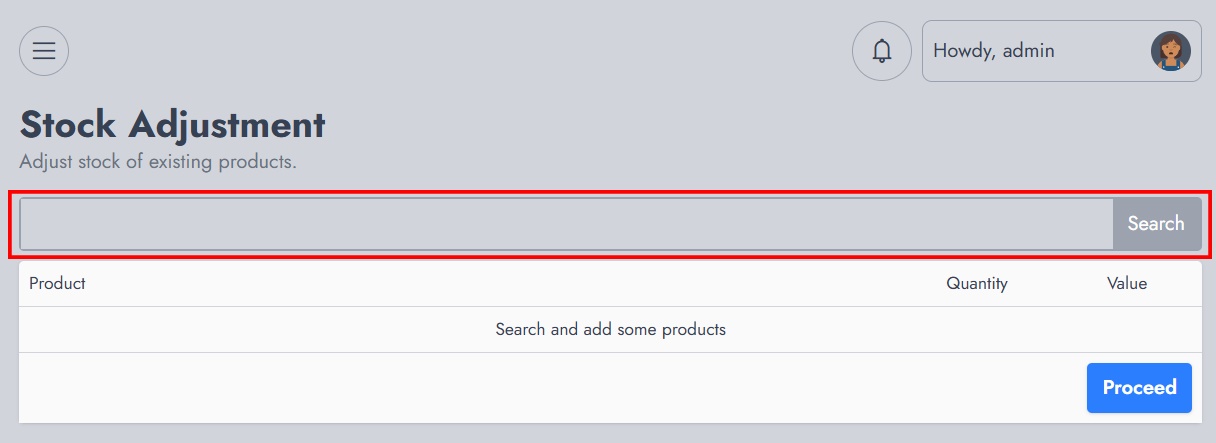
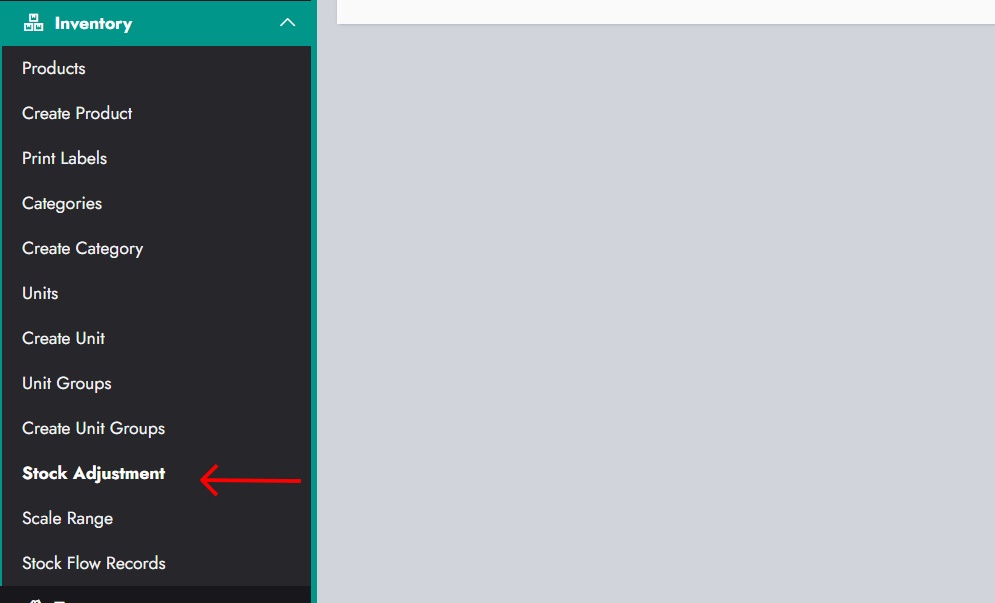
To begin, navigate to the Inventory section and select Stock Adjustment. This opens a page where products can be searched and added for adjustment.
Use the search input to find the product you want to adjust. Matching products will appear as you type.
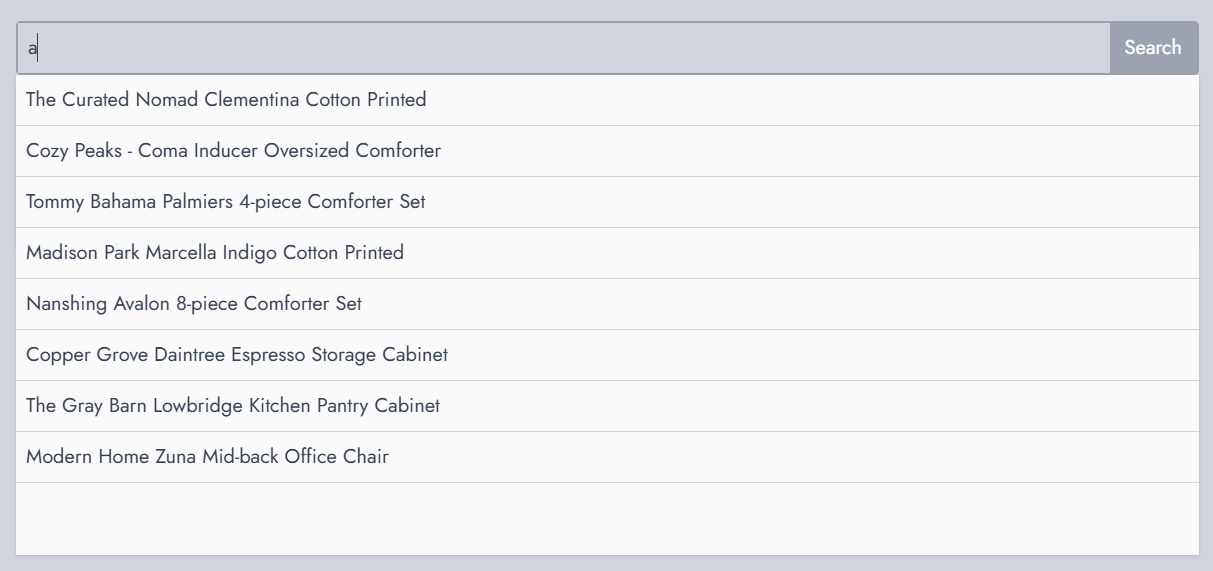
Select a product from the list to add it to the adjustment panel.
Adjusting a Product
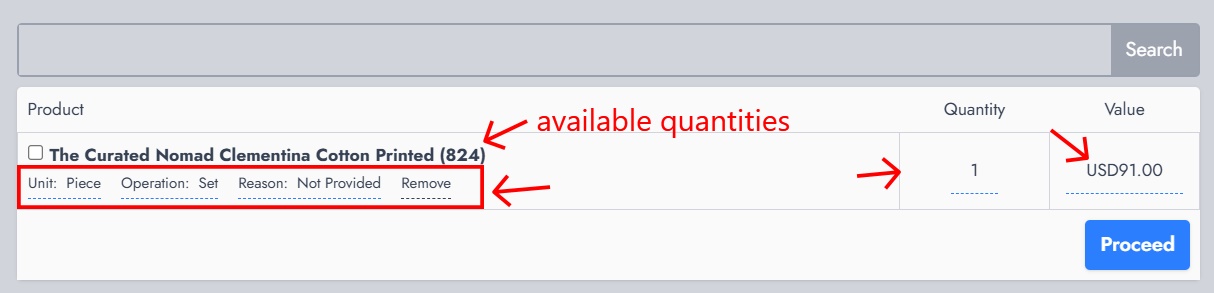
Once a product is selected, it appears with its current details. You can then define how the stock should be adjusted.
Each product entry includes:
- The unit used for the adjustment
- The operation to apply
- A reason (optional but recommended)
- The quantity to adjust
- The resulting value
The available quantity is displayed to help ensure accurate adjustments.
Selecting Unit
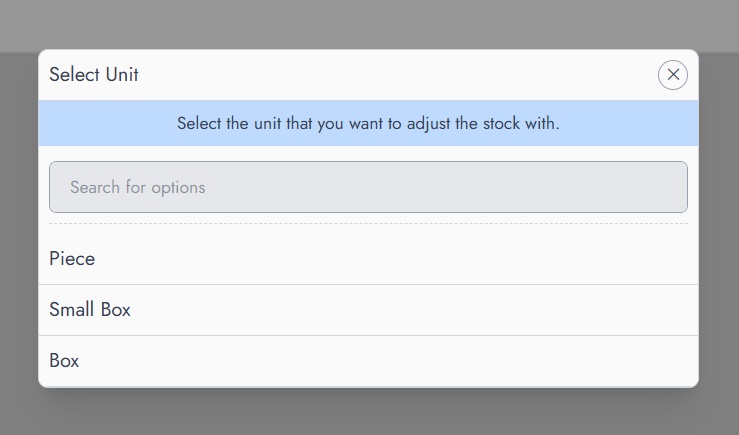
Before applying an adjustment, choose the unit on which the operation will be performed. This is important when products support multiple units.
Selecting Operation
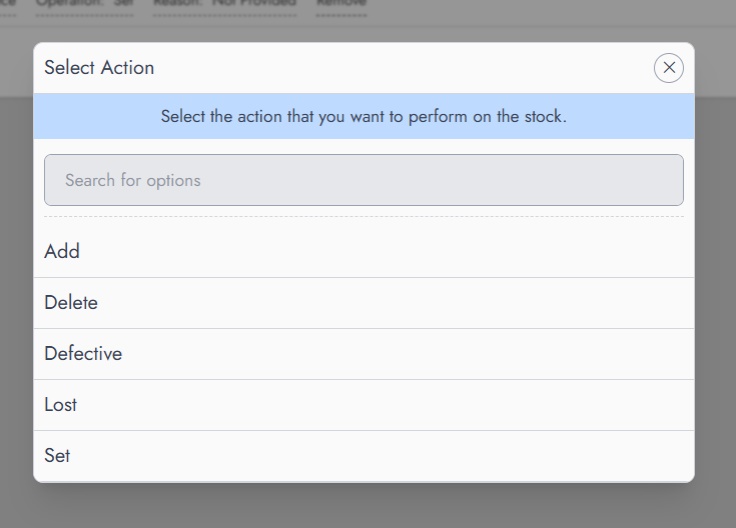
You must then choose the type of operation to apply. Available operations include:
- Add: Increase the stock quantity
- Delete: Decrease the stock quantity
- Defective: Remove items that are damaged
- Lost: Remove items that are missing
- Set: Define an exact quantity regardless of the current stock
Each operation reflects a different real-world scenario and helps maintain accurate inventory records.
Finalizing the Adjustment
After defining the unit, operation, and quantity, review the information and proceed with the adjustment. The system will update the product stock accordingly.