
CSRF Token Mismatch On NexoPOS
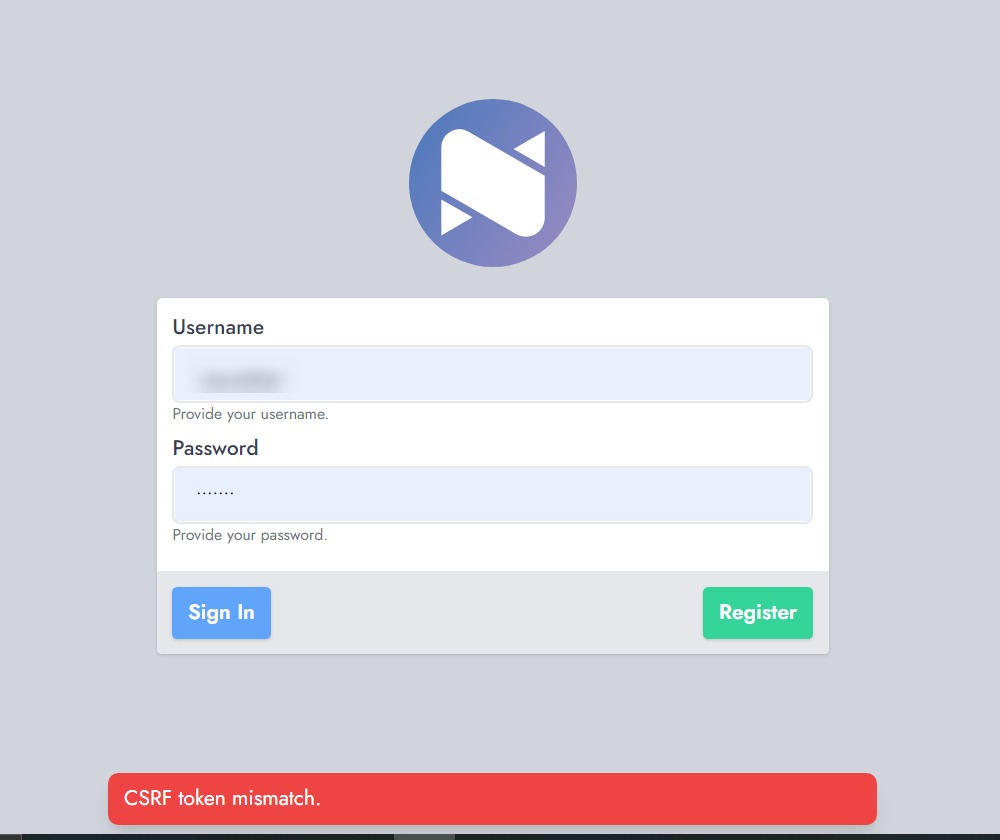
After installing NexoPOS, you may encounter a CSRF Token Mismatch error when attempting to log in. This issue is typically related to how the application was initially set up. This guide explains the cause and how to resolve it.
What Causes This Issue?
This problem often occurs when NexoPOS is installed using Laravel’s built-in development server (php artisan serve). In such cases, the .env configuration is automatically set using the installation URL—commonly 127.0.0.1:8000.
If you later access the application using a different domain or IP address, the existing configuration becomes inconsistent. As a result, CSRF token validation fails, leading to the mismatch error. Accessing the application via the original address (e.g., 127.0.0.1:8000) will still work because it matches the initial configuration.
It’s important to note that NexoPOS relies on Laravel Sanctum for authentication, which requires consistent domain configuration.
How to Fix the CSRF Token Mismatch
To resolve this issue, you need to ensure that your application configuration matches the domain used to access it.
Specifically, the following .env variables must be aligned:
- APP_URL
- SESSION_DOMAIN
- SANCTUM_STATEFUL_DOMAINS
If your application uses a port (e.g., yourwebsite.com:8888), note that SESSION_DOMAIN must not include the port.
Example (using a domain):
APP_URL=http://yourwebsite.com
SANCTUM_STATEFUL_DOMAINS=yourwebsite.com
SESSION_DOMAIN=yourwebsite.com
Example (using localhost with port):
APP_URL=http://127.0.0.1
SANCTUM_STATEFUL_DOMAINS=127.0.0.1:8000
SESSION_DOMAIN=127.0.0.1
After updating the configuration, refresh your browser and clear existing cookies to ensure the changes take effect.
This adjustment is only necessary if you change the address used to access your NexoPOS installation.
If the issue persists, feel free to contact us at [email protected] for premium support