
How Double-Entry Accounting Works in NexoPOS
Follow a $60 stock purchase and a $100 sale to see how NexoPOS posts debits and credits for inventory, revenue, customer payments, and supplier bills.
Read moreProduct updates, practical guides, and business insights.

Follow a $60 stock purchase and a $100 sale to see how NexoPOS posts debits and credits for inventory, revenue, customer payments, and supplier bills.
Read more

Inventory still wrong despite using a POS? Discover eight causes, from bad counts and damaged stock to returns and unit errors, with practical NexoPOS solutions.
Read more
See how Barcode Utility turns an Android phone into a practical mobile barcode scanner for NexoPOS product creation and physical stock counts.
Read more
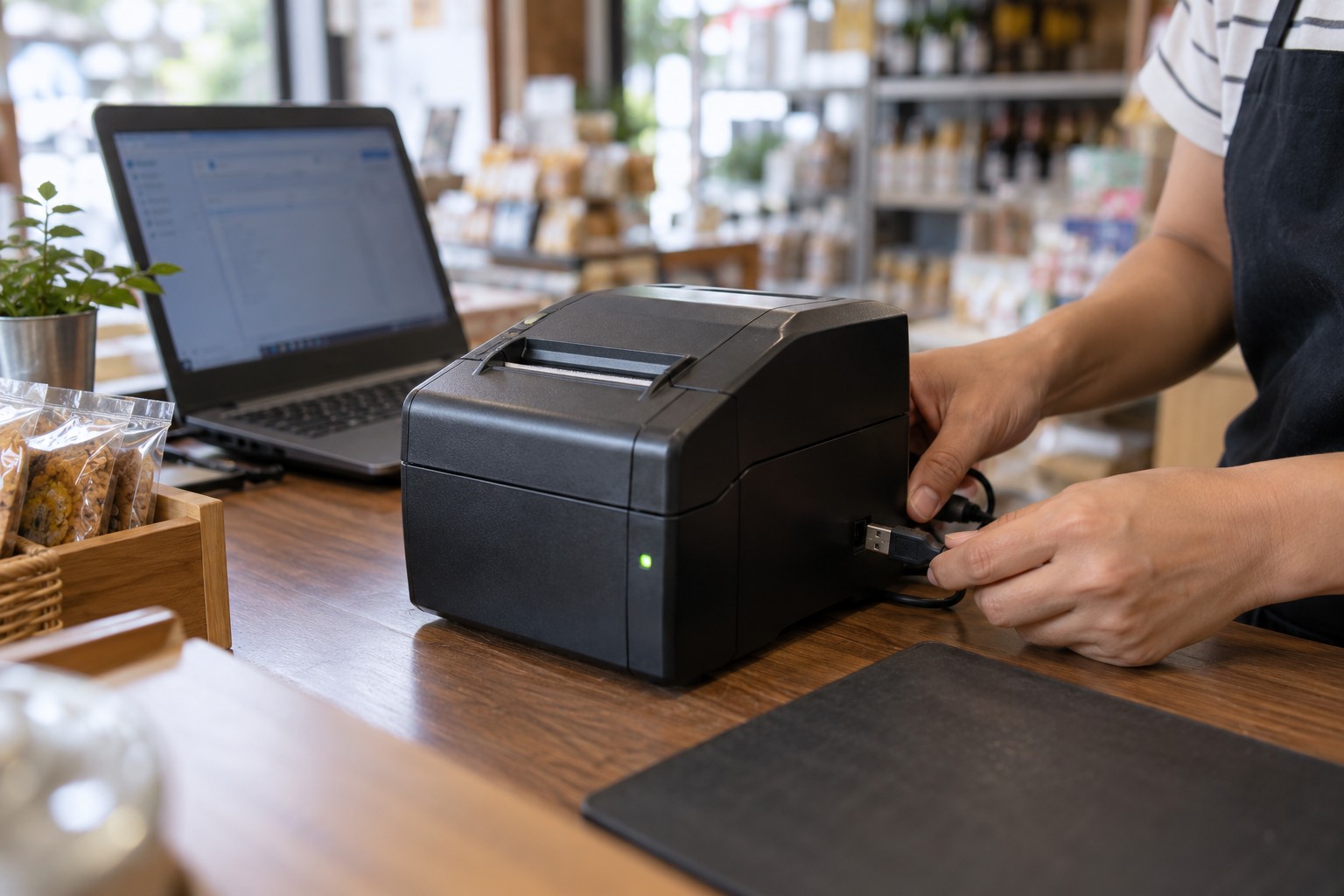
Fix a POS printer that is not printing: check paper, cables, Windows queues, and receipt settings, with steps for Nexo Print Server and NexoPOS for Windows.
Read more
NexoPOS 6.2.4 and earlier require an application security update, while critical PHP vulnerabilities also require immediate server patching. Learn what to update and how NexoPOS Cloud handles maintenance for you.
Read more
NexoPOS Client for Windows securely connects Windows computers on the same local network to an existing NexoPOS installation—without manual IP, certificate, or hosts-file setup.
Read more
Connect NexoPOS to Codex through the Oxen MCP server, configure secure token authentication, verify available tools, and troubleshoot common connection problems.
Read more
NexoPOS 6.2.2 adds COGS visibility in the POS cart, Korean support, flexible stock reporting, invoice and media controls, multi-size widgets, accounting updates, and developer improvements.
Read more
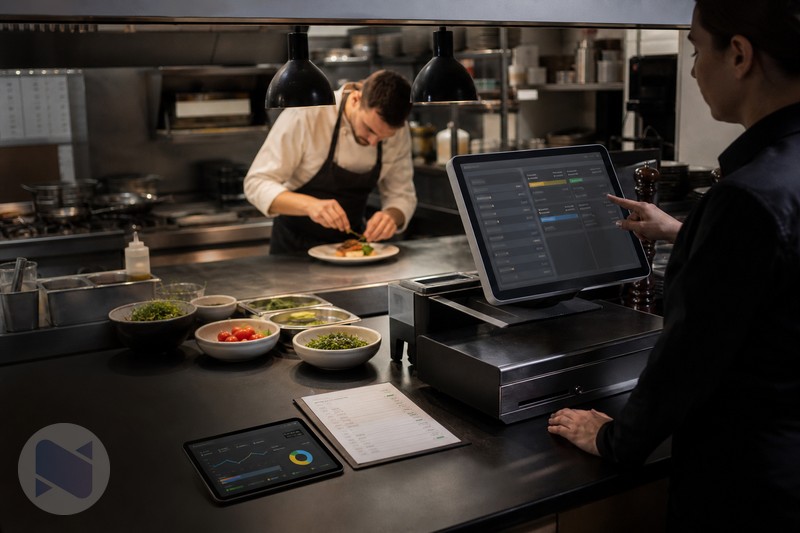
Learn how a restaurant POS can connect recipes, sales, and ingredient stock using NexoPOS, Gastro, and Raw Material Tracker.
Read more
Compare common self-hosted restaurant POS approaches and see why NexoPOS with Gastro is a flexible option for independent restaurants.
Read more