
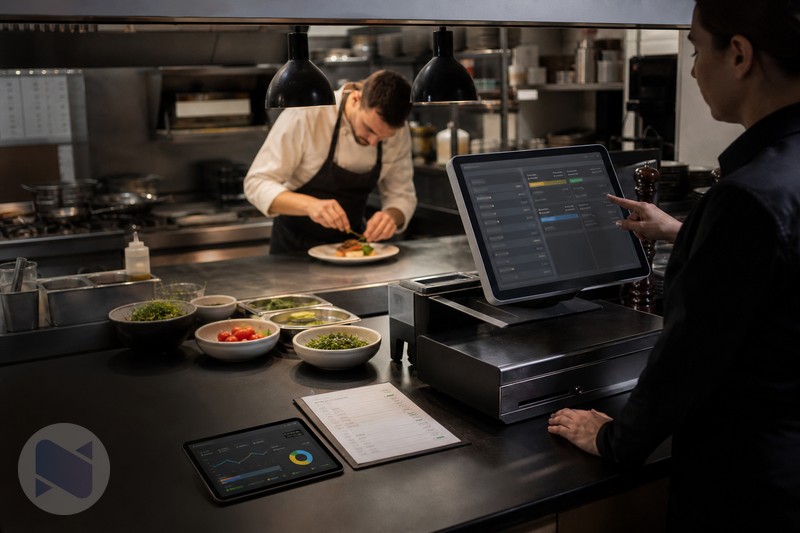
A restaurant POS should do more than record the selling price of a meal. When a dish is made from several ingredients, each sale also affects the kitchen's stock, food cost, and purchasing decisions. With NexoPOS Gastro and Raw Material Tracker, restaurants can connect the service workflow to recipe-level ingredient tracking.
Why Recipe Tracking Matters In A POS
Selling 100 plates of a meal is not the same as selling 100 simple products. A restaurant may have used rice, chicken, oil, spices, sauce, and packaging to produce those plates. If the POS only reduces the finished dish count, the owner still has to guess what happened to the ingredients.
Recipe ingredient tracking turns that guess into an operational record. Each prepared product can be linked to the raw materials it consumes, so sales become more useful for stock review, purchasing, portion control, and cost analysis.
How NexoPOS, Gastro, And Raw Material Tracker Work Together
- NexoPOS provides the POS foundation for products, sales, inventory, and reporting.
- Gastro adds restaurant operations such as tables, dine-in orders, waiter and chef coordination, kitchen screens, kitchen assignment, and meal modifiers.
- Raw Material Tracker links prepared products to recipes and ingredients, helping the restaurant monitor consumption and raw material stock.
- Together, the modules connect the front-of-house order with the kitchen workflow and the inventory impact of the sale.
A Simple Example: Chicken Rice Bowl
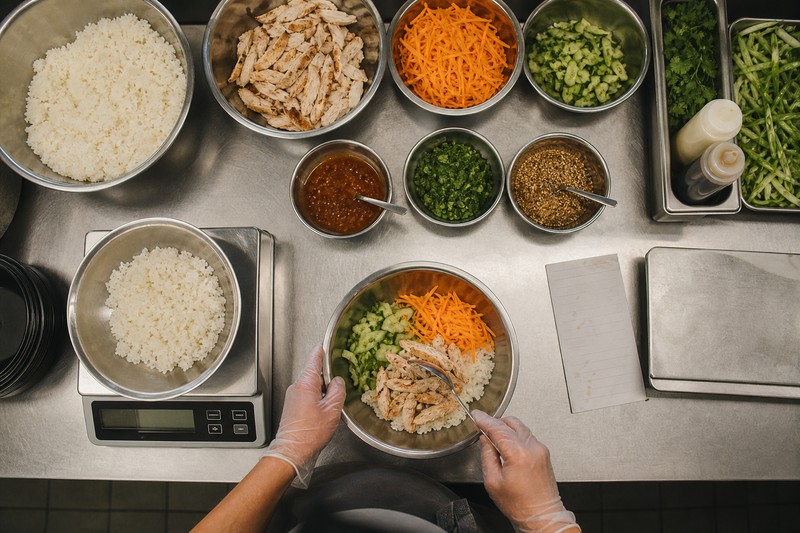
Suppose a Chicken Rice Bowl is defined with a portion of rice, chicken, cooking oil, sauce, and vegetables. The recipe becomes the operational bridge between the menu item and the stock room. When staff sell the bowl through the POS, the restaurant can review the expected ingredient consumption instead of treating the meal as an unexplained decrease in finished-product stock.
- Standardize the portion used for each menu item.
- Review which ingredients are consumed most frequently.
- Compare expected usage with physical counts and purchasing records.
- Identify over-portioning, spoilage, or unexplained losses earlier.
- Build a more reliable view of the real cost of prepared products.
Where Gastro Fits In
Ingredient control works best when the order itself is captured correctly. Gastro adds the restaurant layer: tables and areas, order lifecycle, dedicated kitchen screens, product-category routing, and modifiers. A waiter can place or customize an order, the relevant kitchen can receive it, and the restaurant can keep the service process connected to the stock process.
Best Practices For Better Ingredient Control
- Create recipes using the units your kitchen actually measures, such as grams, millilitres, pieces, or portions.
- Keep recipe quantities current when suppliers, portion sizes, or menu specifications change.
- Count high-value and fast-moving ingredients regularly instead of waiting for a monthly surprise.
- Use modifiers carefully when add-ons or substitutions also affect inventory.
- Compare recipe-based expectations with procurement, waste, and physical-count records.
Is This The Right Setup For Your Restaurant?
NexoPOS with Gastro and Raw Material Tracker is a strong fit for restaurants, cafés, bars, bakeries, fast-food businesses, and food courts that prepare products from ingredients. It is especially useful when the owner wants to understand food cost and waste without maintaining a separate spreadsheet for every menu item.
If you want the modules packaged together, the Restaurant Essentials bundle combines Gastro, Raw Material Manager, printing tools, PIN Login, and the NPS Adapter for NexoPOS. It requires a running NexoPOS installation and may need configuration based on the restaurant's workflow and printers.
Recipe Data Is Only Useful When Portions Are Real
The recipe in a POS should describe how the kitchen actually works, not an ideal version of the dish. If a burger uses a 150 g patty on paper but staff routinely use 180 g during a busy shift, the resulting food-cost picture will be misleading. The same applies to oil, garnish, sauces, and add-ons that seem too small to matter individually but accumulate across a week of service.
Start with a small group of high-volume or high-cost dishes. Weigh a normal preparation, agree the portion with the chef or manager, then enter that quantity as the working recipe. This is less glamorous than a dashboard, but it is where ingredient tracking becomes dependable.
A Practical Rollout Plan
- Week 1: clean the ingredient list. Remove duplicates, agree units of measure, and identify the ingredients that carry the most value or are most often wasted.
- Week 2: build core recipes. Start with the top-selling menu items rather than attempting every dish at once.
- Week 3: train the team. Explain that the goal is consistent preparation and better purchasing, not blame for every variance.
- Week 4: compare expectations with a physical count. Review the largest differences with the kitchen before changing recipes or ordering patterns.
How To Investigate A Difference
A variance does not automatically mean theft or a bad recipe. It can come from a delivery that was not recorded, a batch prepared in advance, a staff meal, a spill, an incorrect unit conversion, a substitute ingredient, or a physical count taken at the wrong time. The useful question is not “who is wrong? but which operational event did the record miss?
Use a short review rhythm: compare ingredient movement with sales, check whether the relevant recipes changed, ask the kitchen what happened during service, and document any adjustment. Over time, this creates a record that helps the restaurant distinguish a genuine control problem from a one-off operational event.
Use Ingredient Tracking To Ask Better Food-Cost Questions
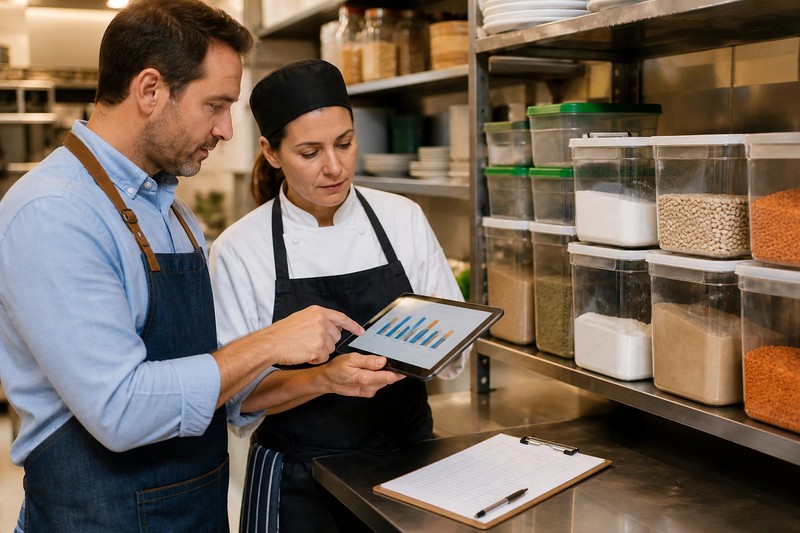
Recipe tracking does not replace accounting, but it gives the operator much better questions to take into a food-cost review. Which dish uses the most expensive raw material? Has the price of a core ingredient changed enough to affect margin? Are modifications creating unplanned consumption? Which menu items deserve a closer look before the next purchasing cycle?
For an independent restaurant, this visibility is often more valuable than a perfect report. It helps the owner make smaller, earlier corrections, such as adjusting a portion tool, changing a purchasing quantity, retraining a station, or revisiting a menu price before the loss becomes a monthly surprise.
The Operating Model Behind The Tools
The NexoPOS setup works best as a connected routine. Gastro captures how an order moves through tables and kitchen stations. Raw Material Tracker connects prepared items to ingredients. NexoPOS provides the inventory and transaction foundation. Managers still need to count stock, record waste, and keep recipes current, but they do so with a shared operational record instead of disconnected notes.
The Takeaway
A POS with recipe ingredient tracking is not simply a checkout system with extra fields. It is a way to link the menu, the kitchen, and the stock room. Set up the recipes carefully, begin with the items that matter most, review differences regularly, and let the data guide better service and purchasing decisions.