
NexoPOS 6.2.2 is now available. This focused follow-up release strengthens the sales workflow, expands accounting and reporting flexibility, improves extensibility for developers, and resolves several workflow and permission issues. It also introduces Korean language support and new controls for media, invoices, widgets, and POS cost visibility.
What This Release Means
Version 6.2.2 focuses on the work that starts after the first sale: understanding the cost behind an item, deciding what appears on an invoice, arranging a dashboard around a team’s priorities, and reviewing stock data in a format that matches the business. It also continues the work of making NexoPOS easier to extend and localize.
For store owners, the release adds more usable control. For accountants and managers, it adds more options around rules, events, reports, and invoice presentation. For module developers, it adds infrastructure for richer integrations and guided experiences. For Korean-speaking users, it adds a new language option to the product.
Media Library Selector And Settings
NexoPOS 6.2.2 expands the media library with a selector workflow and related settings. When an interface or module needs an existing image or asset, it can select it from the media library instead of forcing another upload. This is useful for businesses that reuse product photos, logos, promotional graphics, and document assets across several areas of the application.
More Control Over Invoice Figures
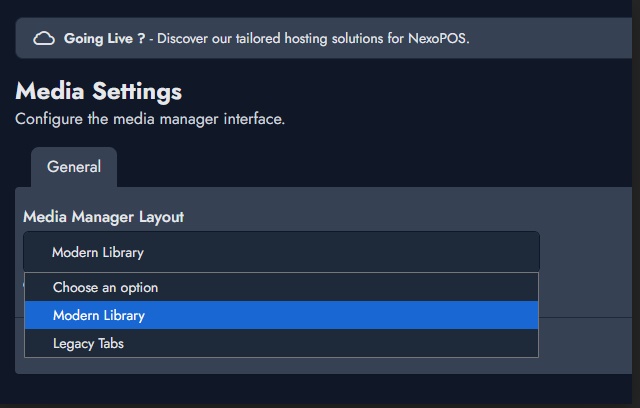
Invoice configuration now supports toggling the visibility of figures. Businesses do not all use the same invoice layout, and numerical details that are useful in one context may not be appropriate in another. This setting gives administrators more control over the information shown on printed or generated invoices. Review a sample invoice after changing the configuration so staff and customers see the intended result.
A Multi-Size Widget System
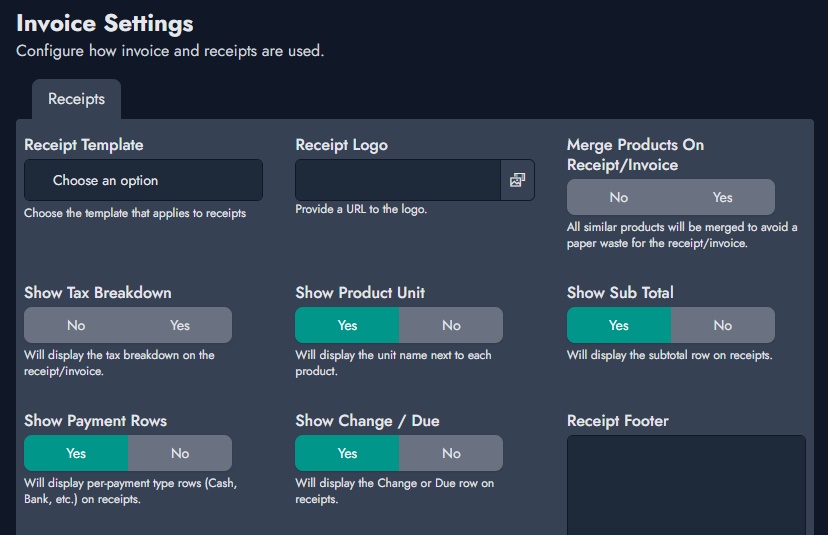
Dashboards are most useful when they match the way a role works. NexoPOS 6.2.2 adds a multi-size widget system so dashboards can combine compact indicators with larger, more detailed information panels. A small tile may be enough for a count or alert, while a trend, summary, or operational queue may need more space. Administrators and module developers can organize information around priority instead of forcing every signal into the same visual footprint.
More Flexible Combined Stock Reporting
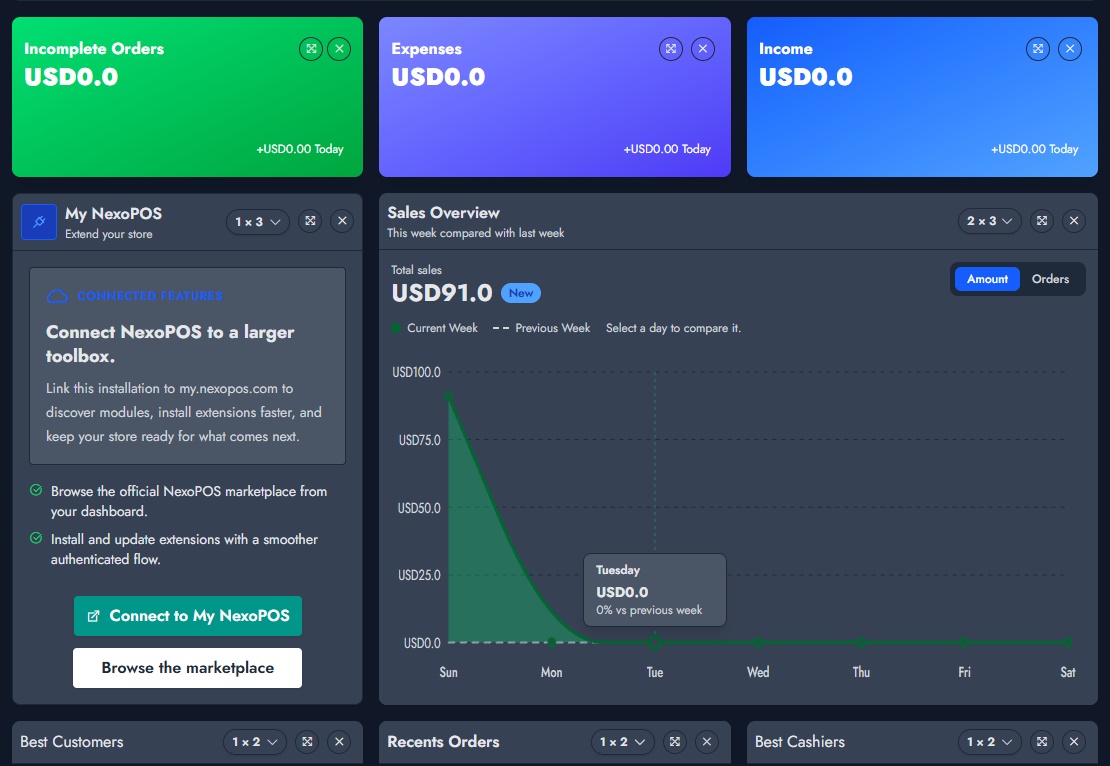
The combined stock report now offers programmatic control over the columns it displays. A retail owner may focus on available quantity and value, a manager may need movement and alert information, and an integration may require a tailored report view. Rather than treating one fixed table as the only option, the report can be shaped around the fields that matter to the workflow using it.
See the combined stock report column update for the technical change.
Accounting Rules And Event Catalog Improvements
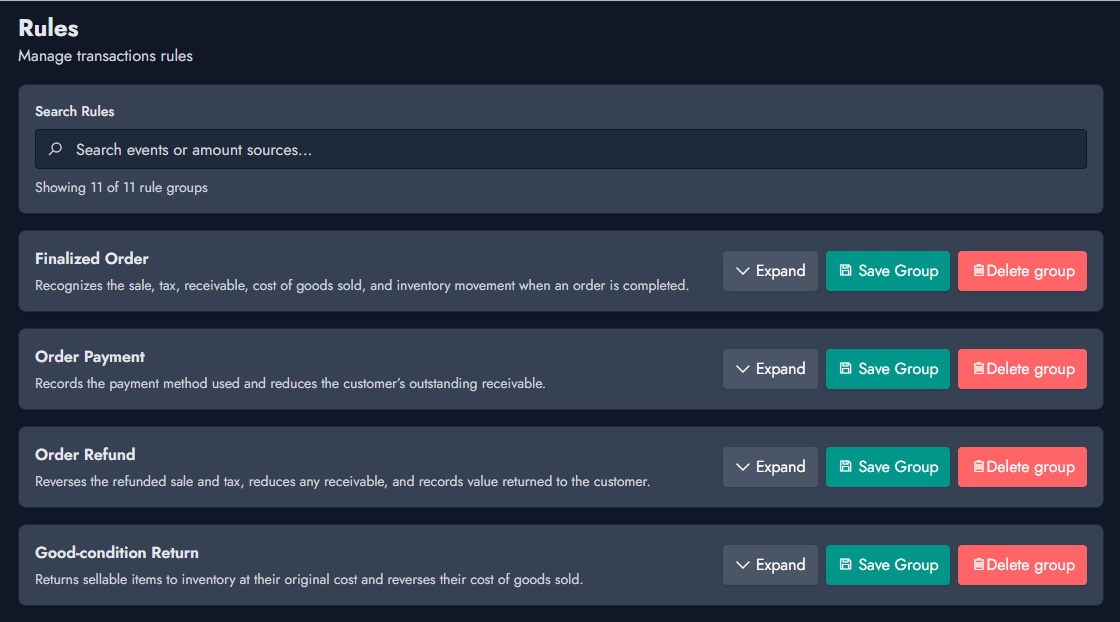
Version 6.2.2 adds more accounting rules to support a wider range of financial operations and business workflows. It also introduces an accounting event catalog that organizes rules triggered by application activity. Together, these changes make the accounting layer more expressive when a business needs to connect a system event with a financial consequence. The update also removes the inconsistent pair rule discussed in issue #2631.
POS, Sales, And Cash Register Improvements
- Register refresh translations: register refresh messaging now uses Laravel’s translation helper.
- Coupon eligibility: validation is checked against the products included in an order.
- Installment workflow: an installment-related workflow bug has been fixed.
- Cash Register simplification: the idle feature has been removed from Cash Register behavior.
The register translation improvement was contributed by khaira777. The release also makes the API route smoke test deterministic, improving maintenance reliability.
Korean Language Support
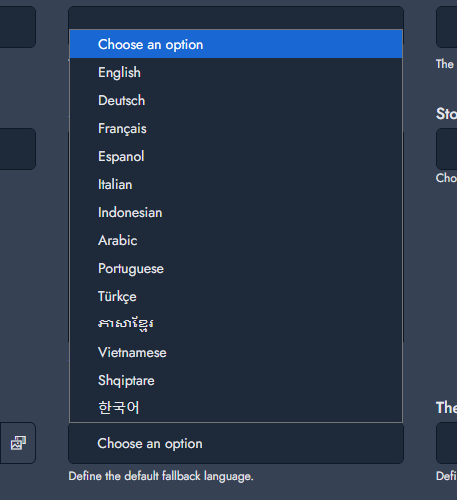
NexoPOS now includes Korean (ko) translation support. This gives Korean-speaking users a more accessible interface and gives the project a stronger basis for continued localization work. Language support helps teams onboard staff, configure the system, and operate it with less friction in their preferred language.
The Korean translation was contributed by moduvoice. Review the Korean translation contribution on GitHub.
Developer And Module Improvements
- Vue resolver for modules: improves dependency resolution for Vue-based module interfaces.
- Interactive guide API: available to both the NexoPOS core and modules, providing a foundation for guided in-app experiences.
- MCP tools: 19 MCP tools expand integrations and AI-assisted workflows.
- Permission fix: permission access failures caused by incorrect attribute usage have been corrected.
These improvements matter even when they are not immediately visible in a store’s daily screen. They make it easier for the ecosystem to deliver richer module interfaces, guided workflows, and reliable extensions over time.
Who Should Update
Users on NexoPOS 6.2.1 should update to v6.2.2 to receive the latest POS, accounting, reporting, localization, and developer improvements. Before updating a production installation, create a backup, review installed modules for compatibility, and test the operational paths that matter to your team—sales, printing, payments, stock, invoices, and accounting rules.
New installations should begin with v6.2.2. Existing installations with custom modules or accounting integrations should plan the update as a controlled maintenance task rather than applying it during active service hours.
Release Links
Special Thanks
This release includes meaningful community contributions. Special thanks to moduvoice for the Korean translation and khaira777 for improving register refresh translation handling. Thank you for helping make NexoPOS more capable and accessible for the wider community.