
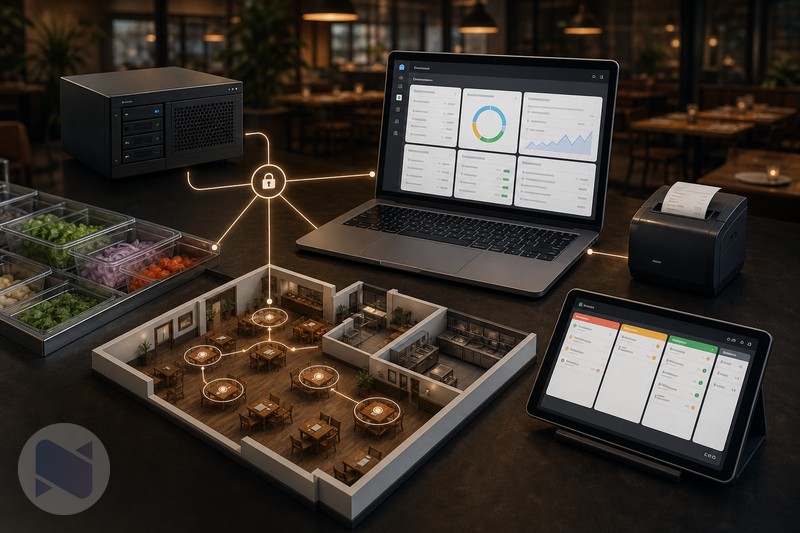
A self-hosted restaurant POS gives the business more control over where the software runs, how the data is managed, and which modules are added over time. That freedom comes with responsibility: someone must handle deployment, updates, backups, permissions, and printer configuration. For independent restaurants that are comfortable with that model or have a technical partner, there are several practical paths to consider.
What Self-Hosted Means For A Restaurant
In a self-hosted setup, the restaurant runs its POS application on infrastructure it controls or chooses, such as a local server, a private VPS, or a managed hosting provider that supports the application. The restaurant decides how the environment is accessed and maintained instead of receiving a single locked hardware-and-software package.
Common Self-Hosted Restaurant POS Options
- Local server deployment: the POS runs on equipment at the restaurant. This can work well where the team has reliable local networking and someone who can maintain the server.
- Managed VPS or application hosting: the software runs online while a hosting provider or technical partner helps with server availability. This is convenient for multi-device access but depends on internet connectivity and a sound backup plan.
- Cloud-managed commercial POS: a vendor hosts the platform and usually bundles support, devices, and payment processing. It is simpler to operate, but it is not the same as owning the deployment choices.
- Modular self-hosted stack: the restaurant starts with a POS foundation and adds restaurant, inventory, printing, and access modules as needed.
Why Consider NexoPOS With Gastro?
NexoPOS is a flexible foundation for a self-hosted POS workflow. Gastro adds the restaurant layer: tables and areas, dine-in order handling, kitchen screens, kitchen-category assignment, modifiers, and coordination between waiters and chefs. The result is a restaurant workflow that can be deployed around the business's own hosting and hardware decisions.
A restaurant can also add a Raw Material Tracker when menu items require recipe-based ingredient consumption, and use NexoPOS printing tools when receipts or kitchen tickets must be printed locally. This modular approach is useful when a small café and a multi-station restaurant do not need the same stack.
The Practical Starting Point: Restaurant Essentials
The Restaurant Essentials bundle is the clearest packaged starting point for restaurants that want to purchase into the NexoPOS ecosystem. The marketplace lists five included products: Gastro, Raw Material Tracker, Nexo Print Server, PIN Login Module, and NPS Adapter for NexoPOS. The bundle is listed at $69, compared with the separate component total shown on the marketplace page.
- Gastro handles tables, restaurant orders, kitchen workflow, and product routing.
- Raw Material Tracker connects recipes and ingredients to prepared products.
- Nexo Print Server supports direct Windows printing for receipts and orders.
- PIN Login helps staff access shared terminals quickly.
- NPS Adapter connects NexoPOS to the Nexo Print Server setup.
The Tradeoffs Of Self-Hosting
- More control: choose hosting, devices, printers, access rules, and modules.
- More responsibility: plan updates, backups, uptime, security, and recovery before service depends on the system.
- More flexibility: start with the essential workflow and add features as the restaurant grows.
- More configuration: printer routing, user permissions, kitchen stations, and recipe definitions need to be set up correctly.
How To Choose The Right Option
Choose a local deployment when the restaurant has strong on-site technical support and wants the POS to remain available on its own network. Choose managed hosting when the team wants online access without maintaining physical server hardware. Choose a commercial cloud POS when packaged hardware, payments, and vendor-managed operations are more important than deployment control.
Choose NexoPOS with Gastro when you want a self-hosted or independently hosted restaurant POS that can grow through modules. For restaurants that prepare food from raw materials and need kitchen coordination, the Restaurant Essentials bundle is the option to review first because it brings the main restaurant, ingredient, printing, and staff-access pieces together.
Final Recommendation
There is no single best restaurant POS for every business. The right choice depends on technical confidence, internet reliability, payment requirements, printer needs, and the level of control the owner wants. For independent restaurants willing to manage their own environment, NexoPOS plus Gastro is a credible, modular route, and Restaurant Essentials makes the starting stack easier to purchase.
Design The Restaurant Workflow Before Choosing The Server
Self-hosting is often framed as a technical decision, but the first decision should be operational. Map a normal busy service from start to finish. How does a waiter open a table? Where does a drinks order go? Who sees a modified meal? Which printer produces the kitchen ticket? What happens if the internet drops? Which person may void an order or change stock? The infrastructure should support these answers, not dictate them.
For a small café, one terminal and a receipt printer may be enough. A full-service restaurant may need separate kitchen stations, a bar route, staff PIN access, multiple printers, recipe-level ingredient tracking, and a manager view of stock. A modular platform is useful because it lets the business build the workflow it actually needs, rather than paying for a fixed package that is either too small or too complex.
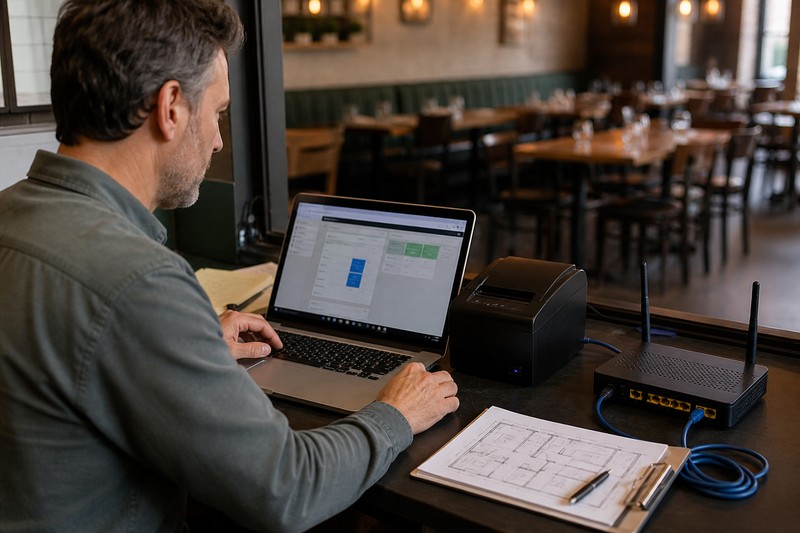
A Self-Hosted POS Needs A Reliability Plan
- Backups: define how often data is backed up, where the backup is stored, and who knows how to restore it.
- Internet and local network: test the network path between terminals, printers, and the server before a busy shift.
- Power: consider a small UPS for the network equipment, server, and essential terminals where power interruptions are common.
- Updates: apply platform and module updates deliberately, outside peak service, with a rollback or backup available.
- Access: use staff-specific accounts or PINs, remove access promptly when roles change, and protect administrator accounts.
Printing Is An Operational Requirement, Not An Afterthought
Restaurants often discover printer requirements after the POS is already installed. Decide early which documents need to print: customer receipts, kitchen tickets, bar tickets, order summaries, or invoices. Then test physical placement, paper availability, routing, and what staff should do if a printer is unavailable. A kitchen workflow that is correct on screen but unreliable at the pass will not feel complete during service.
Restaurant Essentials includes Nexo Print Server and the NPS Adapter alongside the restaurant and inventory modules. The marketplace describes Nexo Print Server as a Windows application for fast direct printing without relying on the browser, while the adapter connects NexoPOS to that print service. This is valuable when local printer handling is part of the restaurant's daily workflow.
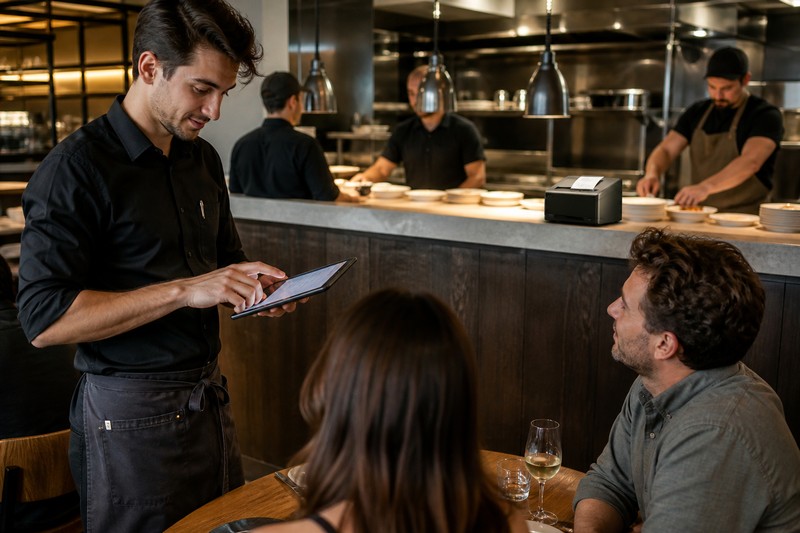
A Sensible NexoPOS Rollout
- Start with the core transaction flow: products, taxes, payment methods, users, and a single terminal.
- Add Gastro: configure areas and tables, kitchen stations, category routing, order states, and the modifiers customers use most.
- Test a full service rehearsal: place an order, modify it, route it to the kitchen, mark it ready, settle payment, and print the necessary documents.
- Add Raw Material Tracker when recipes are ready: begin with the menu items that matter most to food cost.
- Document the exception path: train staff on voids, refunds, printer failures, and internet or device issues before they happen during service.
Look Beyond The Software Price
A self-hosted system can offer strong control over software and hosting costs. However, the complete budget still includes terminals, printers, barcode scanners where needed, networking, payment terminals, installation time, support, and backups. The right comparison is not free versus paid. It is the total cost of running a reliable restaurant operation with the level of control the business wants.
The Takeaway
NexoPOS plus Gastro is compelling for an independent restaurant that wants control over hosting and a workflow it can grow module by module. The Restaurant Essentials bundle is the practical purchase point for businesses that need tables, kitchen coordination, ingredient tracking, fast staff access, and printing in a single NexoPOS setup. Self-hosting rewards preparation: design the service flow, plan reliability, test the printers, and grow the system only where the restaurant needs it.