NPS Adapter for NexoPOS

NPS Adapter for NexoPOS is a module that provides support for Nexo Print Server on NexoPOS. If you currently have a license of Nexo Print Server (NPS), you can now start using it with NexoPOS. This guide explains how the module works.
How To Install NPS Adapter
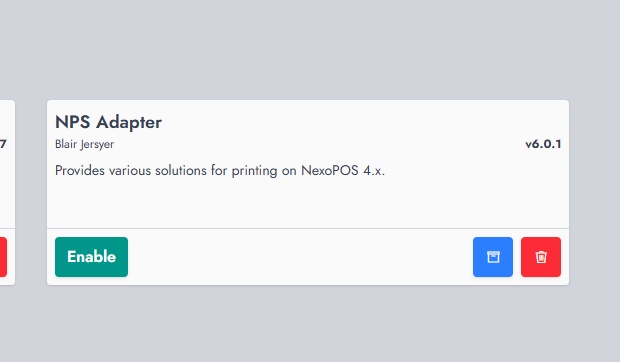
As with any other module on NexoPOS, the NPS adapter module should be installed from the module section. Once installed, make sure to enable the module to use it.
How To Configure NPS Adapter
Once the module is installed, you'll be able to configure the printer's settings. You'll find, as the last menu of the settings, a menu named "Ns Print Adapter".
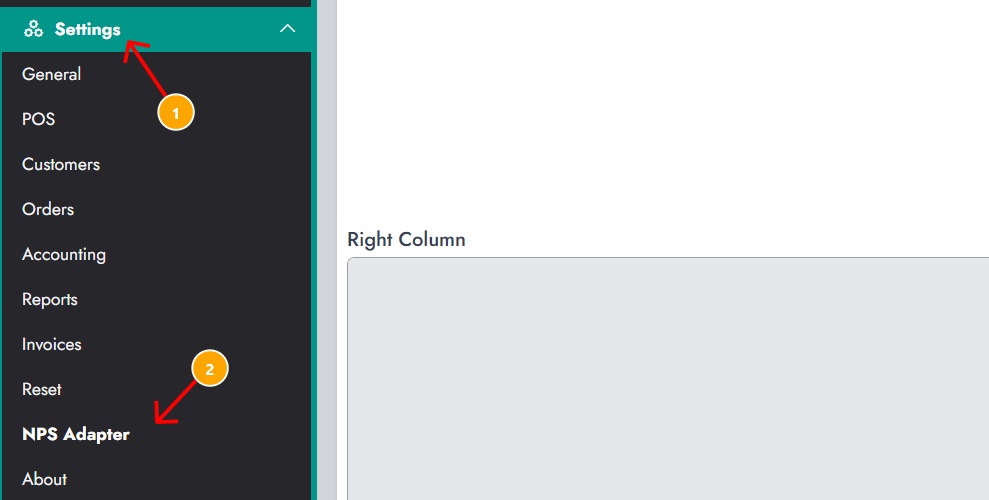
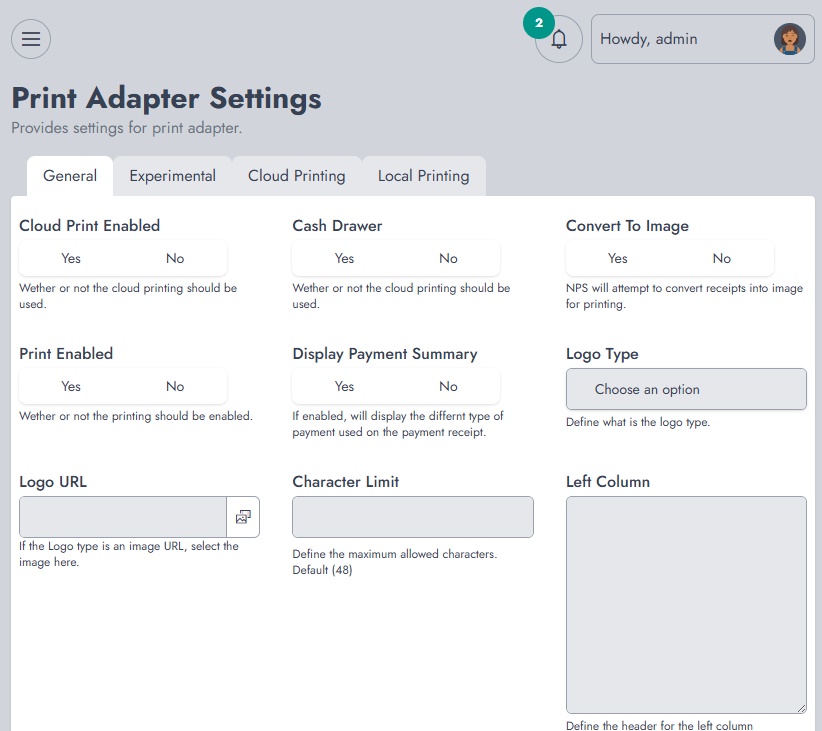
This takes you to a settings page where you can configure the module. By defining :
- The Server Address (Nexo Print Server Address)
- The logo type: you can choose between a logo defined on NPS and a the store name.
- Define the logo shortcode
- Set the characters limit: by default 48 is set for a 80mm paper size.
- Default Printer: you must define the server address and save the settings before being able to configure this
- The left column text
- The right column text
- The receipt footer.
Once you're set, make sure to save your settings.
How To Print An Order Receipt From The POS
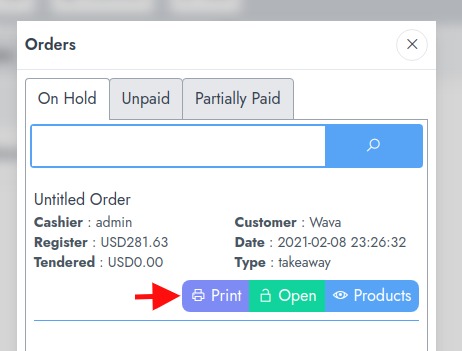
When an order is saved as pending, you can print the order directly from this section.
Printing Conflict
If you're using this module, you should make sure to disable printing in the checkout settings.
Using Cloud Print Service
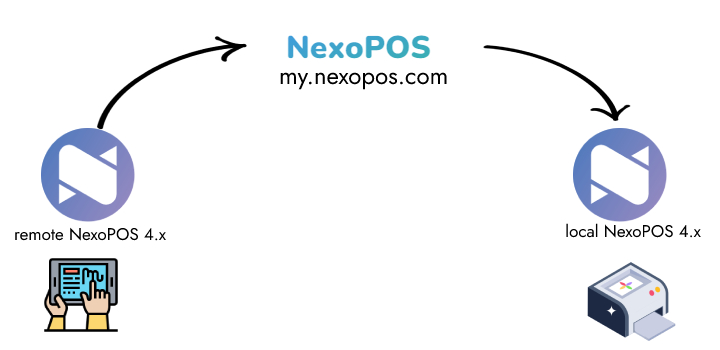
From NPS Adapter 4.7.x, a Cloud Print Service is introduced. That print service ensures print jobs can be sent seamlessly from remote installation to local printers.
On the Cloud Printing Architecture, this module will work as the service. Print jobs will be sent from the installation to your local installation. This image might be more explicit about how everything is organized.