Options Import/Export
The Options Export/Import module was initially created to allow exporting module settings for easier import elsewhere. The module scans for other modules' settings and pulls options set in the database to store them in a JSON file.
Installation
The module should be installed as any regular NexoPOS module. For more details, check the instructions on how to install a module on NexoPOS.
Usage
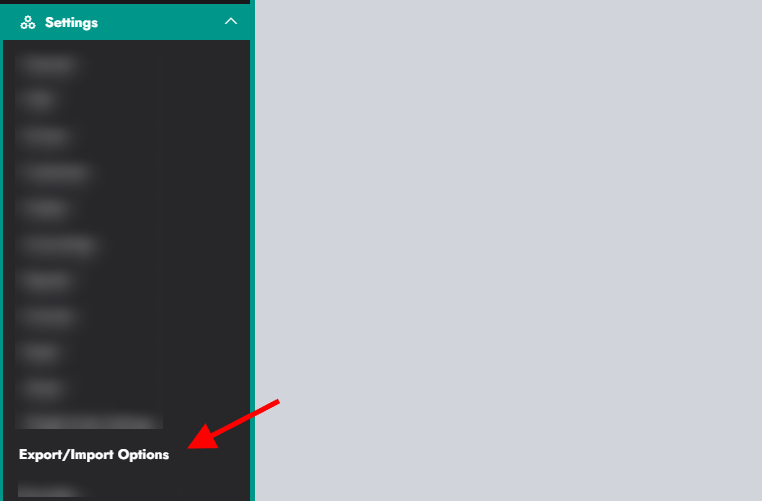
Once the module is installed and enabled, a new menu will be added to the settings.
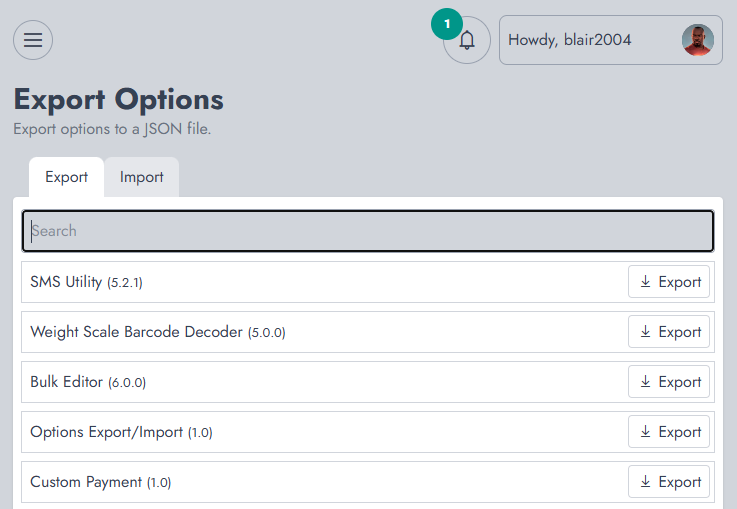
From that page, you'll see two tabs: exporting and importing.
Exporting
You need to search for a module and click on export to get its settings saved as a JSON file.
Importing
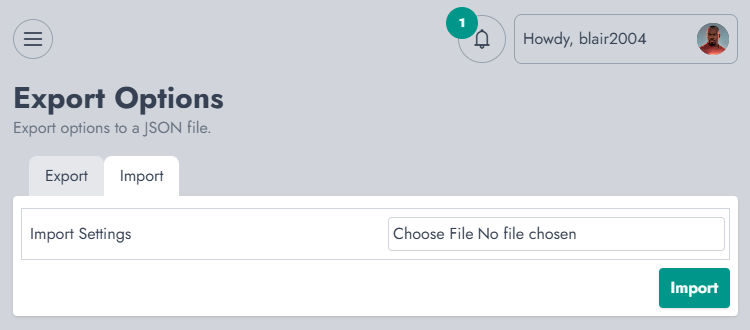
The process of importing is very simple. When you click on "Import", you need to select the file you exported and confirm your action to import it.