

Kinoderai - AI Film Production Studio SaaS
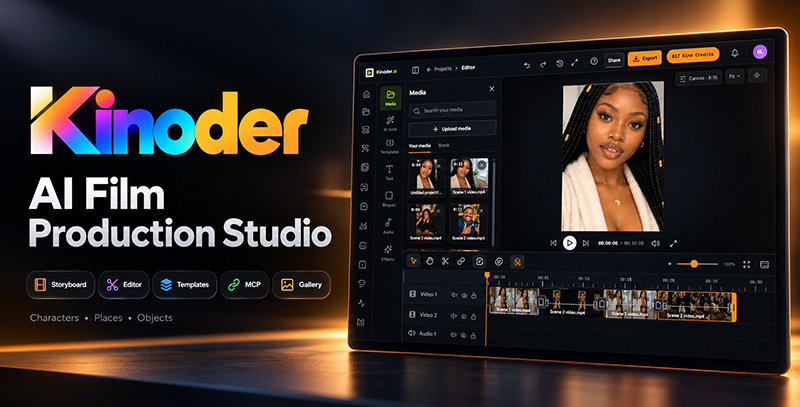
Kinoder is a self-hosted web application for private media management, AI-assisted creation, storyboarding, timeline editing, and final video delivery. The application combines a Nuxt frontend with a NestJS API and a separate background worker.
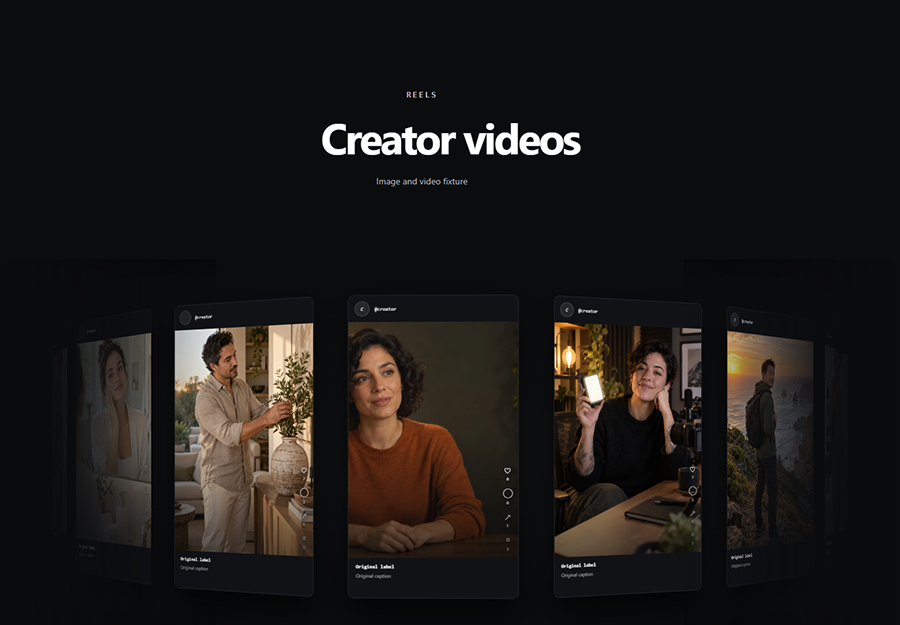
Projects keep standard edits and template projects together.
Choose your starting point
Installers should read What You Install, Configuration, and the complete installation path. Existing users can start with the User Guide. Administrators should review their settings map.
A complete creator workflow
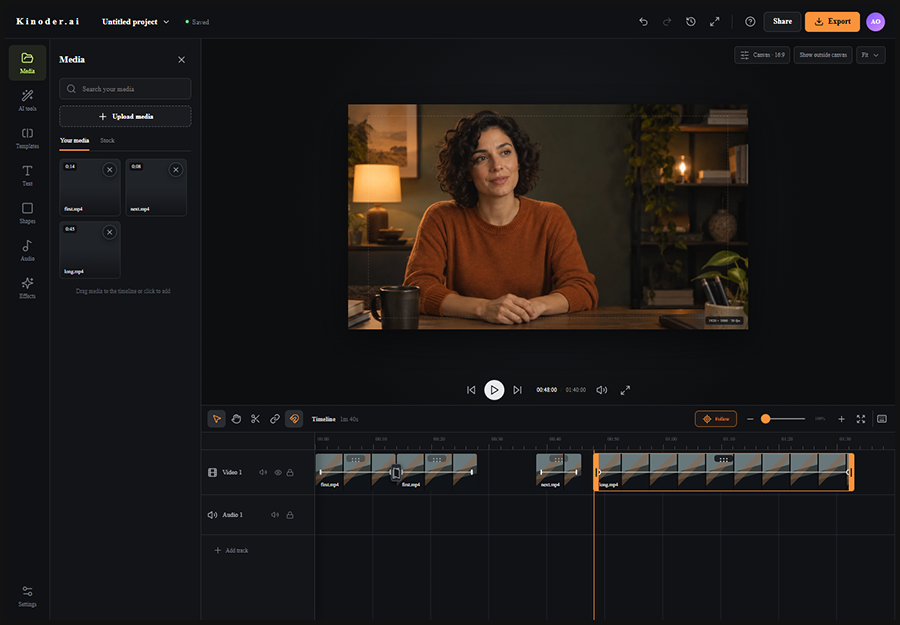
Create and verify an account, create a project, upload media or prepare approved Subject references, plan scenes in Storyboards, assemble the timeline, save a revision, review the render quote, and download a ready MP4 from the Gallery. Eligible renders can then be explicitly published to enabled social destinations. You can also reuse a locked template and replace only its declared slots.
Key terms
| Term | Meaning |
|---|---|
| Project revision | Immutable saved edit consumed by rendering |
| Gallery asset | Private uploaded, generated or rendered media with a stable ID |
| Subject | Versioned Character, Location, Vehicle or Object reference identity |
| Base and Beat | Scene's full-frame starting image and optional timed Guide Motion reference |
| Kino Credits | Customer billing unit for eligible work; separate from storage subscription capacity |
| Route | Administrator-approved provider/model execution contract |
| Draft and publication | Editable public-page content and an immutable live version |