

Image Optimizer
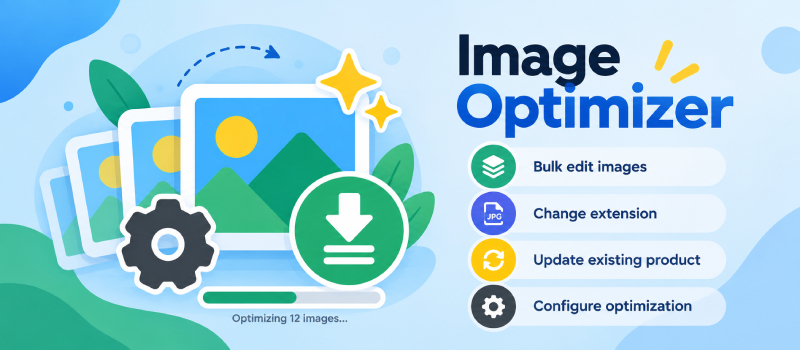
Image Optimizer helps you manage and optimize product images directly from NexoPOS.
Instead of editing images one by one, the module lets you process multiple images in bulk, making it easier to keep your product catalog consistent and lightweight.
You can resize and optimize images, convert them to a different file extension, replace images already assigned to existing products, and configure how optimization should be applied.
It is especially useful for stores with large catalogs where product images may come from different sources, formats, or dimensions.
With Image Optimizer, you can:
- Bulk edit multiple images at once
- Convert images to another file extension
- Optimize image size and dimensions
- Update images assigned to existing products
- Configure optimization settings according to your needs
- Maintain a cleaner and more consistent product image catalog
Image Optimizer helps reduce manual image processing while keeping your NexoPOS product catalog optimized and easier to manage.
Version
v6.0.0
Last Update
14 Sep 2026
Downloads
Less than 10
Active installs
Less than 10