

Football Academy - Laravel App
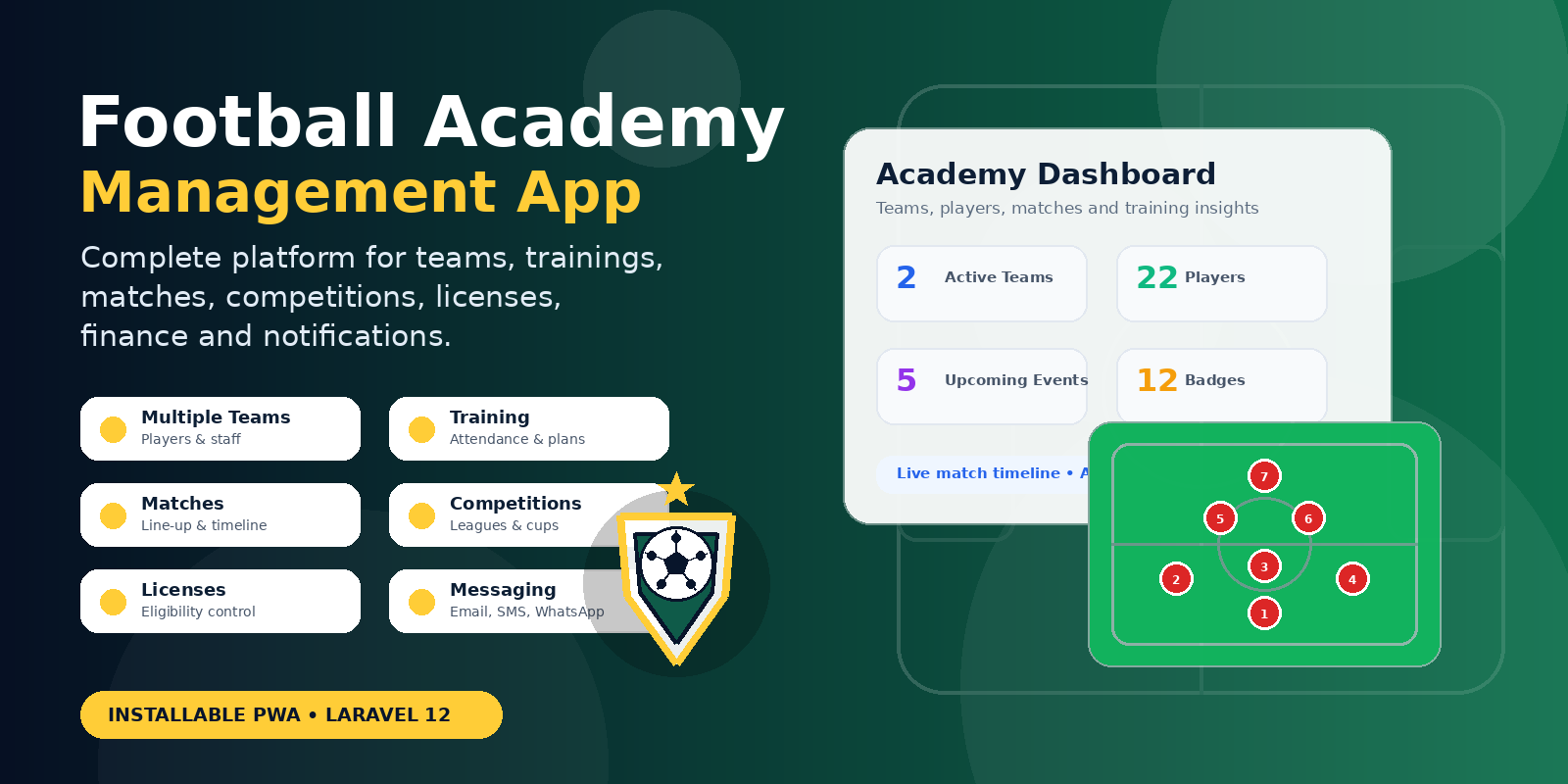
Football Academy Management App is a complete platform designed to help academies organize teams, players, staff roles, trainings, matches, competitions, finance, notifications, and player engagement from one central system. It is built for academies that need more than a simple team list and want a practical tool to manage daily football operations with structure and visibility.
Key Features
Multiple Team Management
Manage multiple teams inside the same academy. Each team can have its own players, staff members, training sessions, matches, competitions, meetings, and activity history. This makes the system suitable for academies with different age groups, senior teams, reserve teams, or specialized squads.
Multi Role System
Football Academy includes a role-based structure designed around real academy responsibilities. Supported roles include Player, Coach, Sport Director, Team Manager, Academy President, General Secretary, and Administrator. Each role can access the areas that match its responsibility, helping the academy keep operations organized and secure.
Meetings Management
Create and manage academy-wide or team-specific meetings. Meetings can include a title, team, type, date, start and end time, agenda, and chairperson. The system also supports meeting details and minutes, making it easier to record discussions, decisions, and follow-up actions.
Training Sessions
Plan and manage training sessions with team selection, date, start time, end time, objectives, intensity, and focus area. Coaches can acknowledge sessions, add training plans, publish those plans, start the session, track attendance, and complete the training workflow.
Training Attendance
Before starting a training session, the system allows each player to be marked as present, absent, or late. If a player is late, the number of late minutes can also be recorded. This helps the academy track discipline, commitment, and participation over time.
Training Plans
Add one or more training plans to a session. Each plan can include a title and description, allowing coaches to define the content of the training session before it begins. Plans can be saved as drafts and published when ready.
Training Session Timer
Once a training session starts, a live session screen displays the training timer and attendance area. The session can be ended when completed, allowing the system to record the actual session end time.
Training Summary
After a training session is completed, the summary screen provides access to attendance records, performance, observations, and sanctions. This gives coaches and academy staff a structured way to review what happened during the session.
Match Management
Create and manage matches with title, team, opponent, date, start time, end time, competition type, and venue. Matches can be scheduled, opened for line-up preparation, started, paused, updated with events, and completed with a final result.
Line-up Preparation
Prepare the match line-up by selecting players as starters or substitutes. The selected players can be reviewed before the match starts, and each player can be updated with a jersey number, position, and match status.
Selection Locking
Once the line-up is ready, the selection can be closed. This prevents users from adding or removing players before the match starts. Authorized users can reopen the selection if changes are required.
Visual Line-up
Display the selected players on a visual football pitch. The visual line-up supports formation selection and jersey color customization, making it easier to review the tactical shape before starting the match.
Live Match Timeline
During an ongoing match, events can be recorded in the timeline. Supported events include goals, assists, yellow cards, red cards, shots on target, offsides, fouls, and substitutions. Each event can be linked to a player and match minute.
Match Summary
After the match ends, the system displays the final score, match status, result, and recorded timeline events. This creates a clear historical record of what happened during the match.
Competition Management
Create and manage competitions such as leagues and cups. A competition can include a name, kind, season label, organizer, start date, end date, location, and notes. This allows the academy to organize official and internal competitions from the platform.
Team Registration for Competitions
Register teams into competitions and manage their registration status. Registrations can be pending, confirmed, rejected, or cancelled depending on the workflow. Once confirmed, competition matches can be added for the registered team.
Competition Match Scheduling
Add matches for teams registered in a competition. Each competition match can include a match date, opponent, venue type, location, and start time. A history tab allows previously added matches to be reviewed, edited, or deleted.
Player Comparison
Compare players using a hexagonal chart. This visual comparison helps coaches and staff review player strengths and weaknesses across different performance areas, making evaluation easier and more readable.
Complaints Management
Users can submit complaints with a subject, description, and priority level. Administrators can review complaint details, upload attachments, add resolution notes, resolve the complaint, or dismiss it when no further action is required.
Player License Management
Manage player licenses with license number, issue date, expiry date, status, notes, and supporting documents. Licenses can be approved, rejected, or marked as requiring resubmission.
License-Based Match Eligibility
If the application setting requires valid licenses, players must have a valid approved license before they can be selected for a match. This helps academies enforce eligibility rules for official matches or internal competition requirements.
Direct Messages
Send operational messages to specific users, teams, global roles, or role members of selected teams. This is useful for announcements, reminders, meeting updates, training information, and other internal communication.
Multiple Notification Channels
The available delivery channels depend on the gateways configured in the system. By default, the application supports internal in-app messages, WhatsApp, SMS, and Email. Administrators can use the configured channels to reach users through the most appropriate communication method.
WhatsApp Notification Support
WhatsApp notification support is available through an unofficial integration or configured gateway. This allows academies to communicate through a channel commonly used by players, parents, and staff. Availability may depend on the selected provider or gateway configuration.
Installable Progressive Web App
Football Academy can be installed as a Progressive Web App. This makes it easier for users to access the application from mobile devices or desktop browsers without requiring a traditional app store installation.
Finance Tracking
Track academy earnings, payouts, bonuses, and sanctions. The finance features help administrators follow important financial movements connected to players, teams, and academy operations.
Gamification with Badges and Stars
Motivate users with badges and stars. The gamification system can be used to reward participation, discipline, performance, consistency, and positive contributions inside the academy.
User Profile Timeline
User profiles can display timeline events, badges, and stars. This gives each user a personal activity history and helps highlight achievements, progress, and important actions within the academy.
Activity Log
Track important user actions across the system. The activity log improves transparency and helps administrators understand who performed specific actions inside the platform.